Data Hygiene
Marketing asset distribution workflows
A marketing asset workflow should deliver the requested file or resource, keep its version current and show when delivery fails.
An asset distribution workflow should deliver the requested file or resource, keep its version current and show when delivery fails; it is more than a form connected to an email. The campaign-approval guide covers who signs off creative, while this guide begins once an asset is approved for use.
Map the request route, declared interest, permission, promised asset and access; form-triggered download delivery and interest-based selection are adjacent workflows, not covered here. Send a download to the promised resource rather than a generic library page unless the request made that clear.
HubSpot form-submission automations can send follow-up email, although available actions and limits vary by subscription. Treat this as one product example and confirm the workflow in the system you use.
Design the distribution architecture
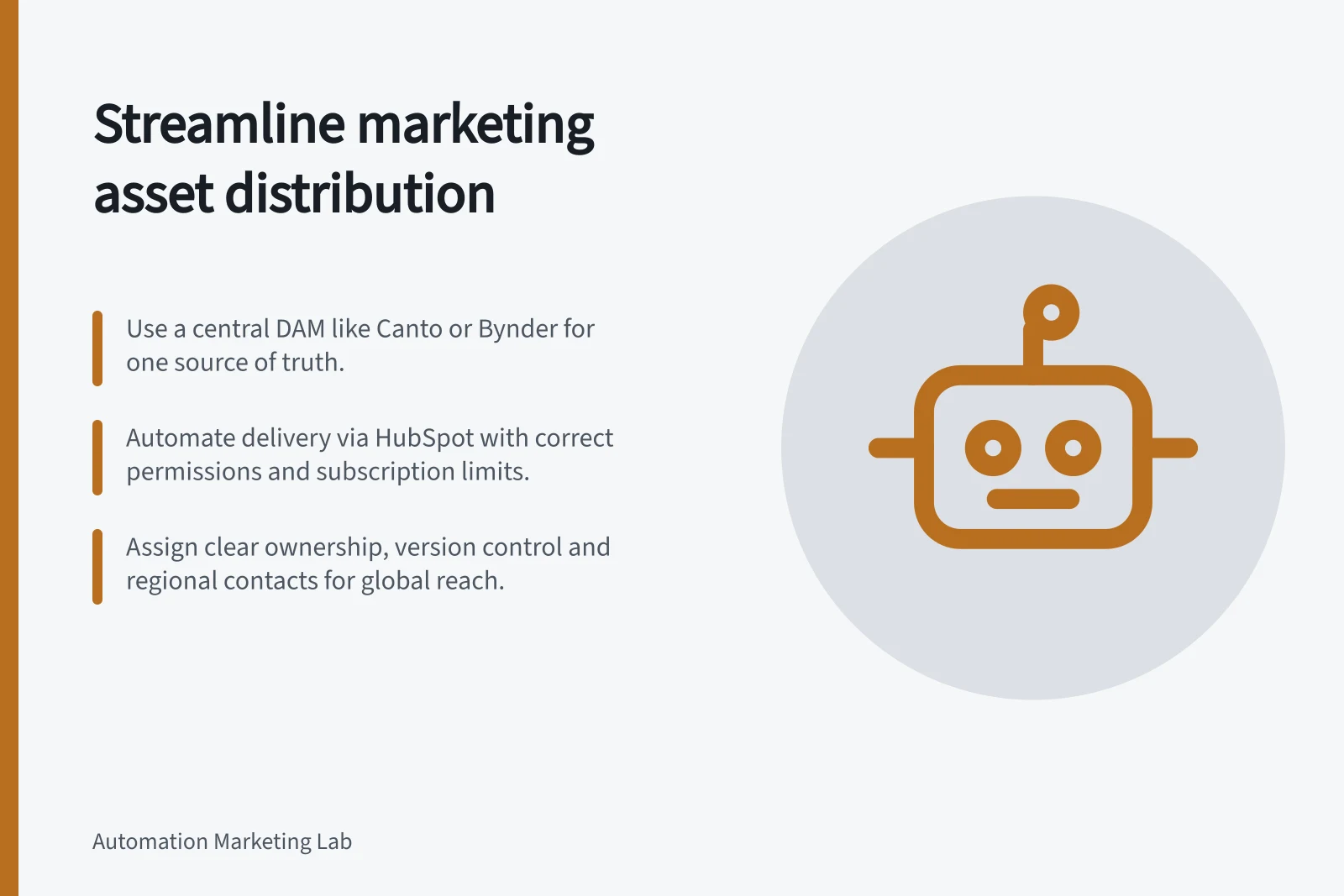
Treat the digital asset management (DAM) library, automation and destination channels as connected stages in one process. A centralised DAM can provide a single source of truth, reduce reliance on scattered copies and help people find approved material.
Named DAM options include Canto, Brandfolder, Bynder, MediaValet, Photoshelter, Air, Acquia DAM (Widen), Aprimo, Adobe Experience Manager Assets, Frontify, Cloudinary and Filecamp. BigCommerce, Salesforce Commerce Cloud, Shopify, Adobe Commerce and commercetools are named ecommerce platforms; their names alone do not establish a connection to a DAM.
Write the route in order: put the approved asset in the library, categorise and tag it, identify the usable format and audience, assign access and a destination, then distribute it and check that people can reach it. This sequence makes the hand-off and authoritative copy clear at each stage.
Map each destination and note where staff currently have to search, copy or re-upload files. Disconnected systems can silo information between product, marketing and sales teams, so document a clear hand-off wherever systems do not integrate.
Set access around the audience and task, which may differ for internal teams, agencies and regional teams. A DAM can provide secure access across locations, including remote work, and distribute content across multiple channels; make access and sharing part of the workflow design.
DAM Platforms and Ecommerce Systems
- Digital Asset Management (DAM) Systems
- Canto, Brandfolder, Bynder, Adobe Experience Manager Assets, Frontify, Cloudinary
- Ecommerce Platforms (Not DAMs)
- BigCommerce, Shopify, Salesforce Commerce Cloud, Adobe Commerce, commercetools
Make the shared library usable
A central library only helps distribution if people can locate the right material. Categorise and tag assets as they are added, using terms that help teams search and share; frequent intake without organised uploading, tagging and editing can lead to file loss, duplicates and out-of-date material.
Plan for the range of files the organisation distributes, not just finished campaign artwork. Digital assets can include images, videos, raw files, documents and licence records; manufacturing teams may also manage CAD files, technical documentation, product images and training videos.
Consider the formats and access needs of the people using the library. Teams may need content-ready files, while some workflows involve larger raw files or materials shared with agencies and remote colleagues; make the appropriate asset available in a usable format with secure access.
Configure automation deliberately
Before building form-based follow-up, confirm what the platform allows and who can configure it. In HubSpot, Edit forms permissions are required to create or edit forms, while Edit workflows permissions are required to create or edit simple workflows in the form editor.
HubSpot enrols contacts in a simple form workflow each time they submit the form, including contacts enrolled previously. If the account uses Marketing Hub with marketing contacts, contacts must be set as marketing contacts to receive workflow emails.
Check subscription limits before designing around multiple actions or workflows. HubSpot's free tools allow one email-after-submission simple workflow per form, with one action; eligible Starter, Professional or Enterprise accounts without Marketing Hub allow one simple workflow per form with up to three actions.
Marketing Hub Starter allows up to 10 actions in one simple workflow per form. Marketing Hub Professional or Enterprise permits multiple simple workflows per form and as many actions as needed.
Pros and Cons of HubSpot Form Automation for Asset Delivery
- ProsAutomated follow-up emails; supports multiple actions in higher-tier plans; integrates with CRM
- ConsFree plan allows only one action per form; enrols contacts repeatedly on resubmission; requires Marketing Hub for full functionality
Coordinate teams and channels
Marketing teams often manage many campaigns at once and need to collaborate with creative colleagues and other departments. A shared system for content-ready files gives teams a common place to access and share material rather than relying on separate collections that can drift apart.
Examples of destinations and formats include HubSpot follow-up email, social graphics, flyers and brochures made with Adobe Creative Cloud or Adobe Express templates, ecommerce storefronts and Canto custom portals for regional teams. Record the actual hand-off for each destination; templates and DAMs do not by themselves establish a native connection.
The Australian manufacturing page lists a2 Milk Co, Portakabin and SmothSkin among organisations using Canto. SmothSkin used Canto's secure centralised library and custom portals for regional teams to share product information, marketing materials and influencer content globally, supporting faster product launches and a consistent brand presence.
For organisations distributing material across markets or regional teams, include named regional contacts in the campaign hand-off. This gives people a route for questions about access or local use.
Top Australian Organisations Using Canto for DAM
- a2 Milk CoCentralised brand content for global marketing
- PortakabinStreamlined distribution of product and project visuals
- SmothSkinSecure portals for regional teams and influencer content
Control versions and ownership
For detailed guidance on version control and keeping replaced assets out of active delivery workflows, see the sibling article. Before release, test requests with fictional contacts: confirm the correct asset arrives once, access works on a phone, repeat submissions follow the promise, and a failure alerts someone who can fix it.
HubSpot can enrol a contact each time they submit a form, even if they were enrolled previously, so include repeat submissions in the test. After release, monitor failed requests, wrong-asset reports and obsolete destinations; a delivery count alone does not prove the reader received useful material.
The workflow is dependable when the promised resource, its current version and its owner remain clear as campaigns change.
Pre-Release Testing Checklist for Asset Workflows
- Test with fictional contactsVerify correct asset delivery once
- Check mobile accessConfirm download works on smartphones
- Simulate repeat submissionsEnsure workflow handles duplicates without errors
- Monitor failure alertsSet up notifications for failed deliveries
In this guide
- Delivering a requested download after form submissionAfter a visitor requests a download, the first response should make the promised resource accessible and explain what happens next.
- Selecting the right asset from a contact's declared interestAn interest field can help select an asset if its options correspond to real reader needs.
- Keeping versioned assets out of old delivery workflowsAn approved new guide does not automatically remove the old one from forms, emails and scheduled campaigns.
- Alerting an owner when an asset link stops workingA broken asset destination should create an operational alert, not wait for a prospect to complain.