Data Hygiene
Part of Cleaning up a marketing automation account
Finding unused forms, lists and workflows
Find potentially unused forms, lists and workflows by checking activity, dependencies and planned use before deciding what to retire.
Compare each asset’s activity, current connections and next expected use to find retirement candidates. A quiet form, list or workflow may still serve a seasonal campaign, exclusion or external process.
Choose a meaningful review window
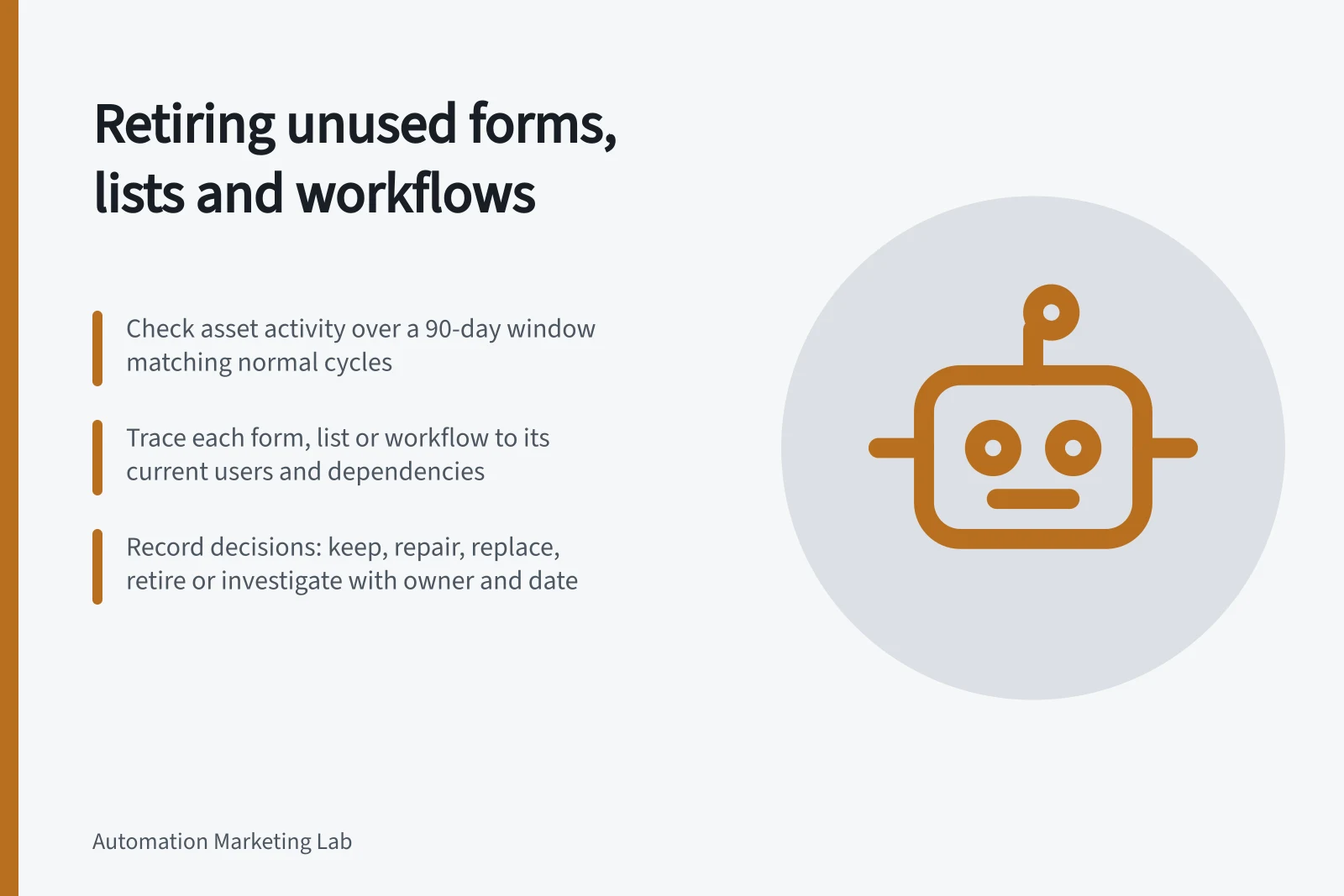
Record the last observed submission, audience use or workflow action. Set a review period that covers the asset’s normal cycle, then ask the campaign owner when it should next be used.
HubSpot’s Unused workflow view includes workflows that are off or have executed no actions in 90 days. These are candidate signals, not proof of obsolescence.
HubSpot’s default inactive thresholds
- Unused workflows (inactive for)
- 90 days
- No form submissions recorded
- Varies by campaign cycle
- Empty active segments
- May still be intentional exclusions
Trace each asset to its consumers
For a form, inspect submissions and what each submission starts. Check separately the pages and processes where it may be used.
For a list or segment, inspect its filters and Used in information. Ask whether a campaign, exclusion, workflow or report still reads it. An empty active segment may still be an intended exclusion if no records currently meet its rule.
For a workflow, check its state, recent actions, current enrolments and whether a list or another workflow references it. HubSpot’s workflow index also includes workflows made from forms, emails and other tools. The place where such an automation is managed may differ from a workflow built directly in the workflow tool.
Candidate signal / Question to settle
- No recent activity
- Was a run expected in this period?
- No visible HubSpot use
- Does an external placement or tool still depend on it?
- No known owner
- Who can confirm its next use and disposition?
- A replacement exists
- Does it cover the same records and exceptions?
Record a disposition
Mark each candidate keep for a dated next use, repair, replace, retire or investigate. Record its identifier, evidence checked, owner and decision date.
Leave uncertain dependencies in investigation with a named next step. This produces a retirement queue that can be checked later, rather than a list based only on low counts.