Automation Builds
Part of Cleaning up a marketing automation account
Identifying automations that perform the same job
Compare campaign occasions, eligible records and actions to identify duplicate automations and decide which route should own the result.
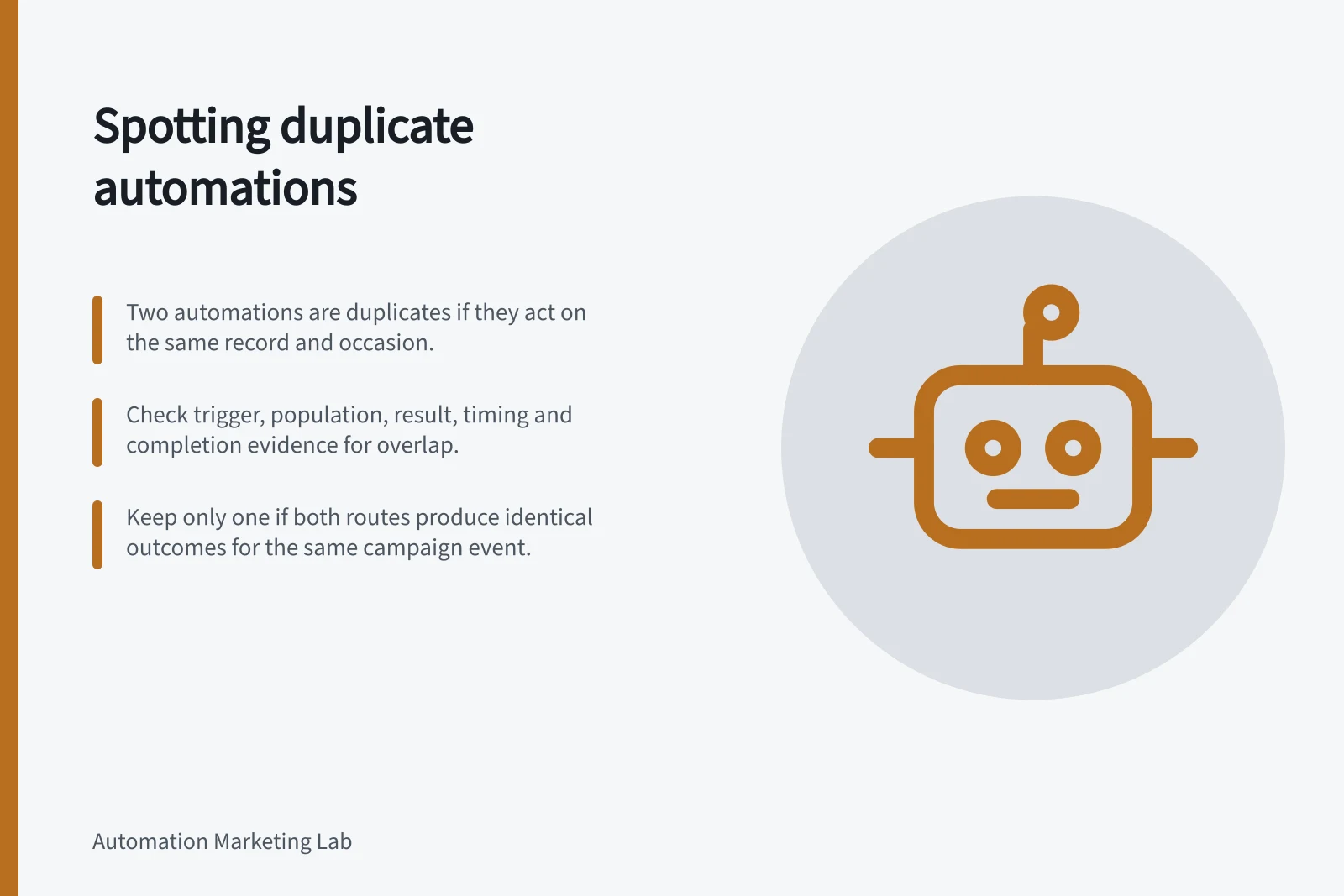
Two automations may be duplicates when both can act on the same campaign occasion for the same record and produce the same intended result. Compare the occasion, eligible population and consequential action before choosing which route to keep. Similar names alone are weak evidence.
Describe each job
Write for each candidate: “When this occasion occurs for an eligible record, produce this result.” Compare the trigger, exclusions, delay, message or update, destination and completion evidence. Include routes started indirectly by a form or another workflow.
| Dimension | Automation A | Automation B |
|---|---|---|
| Occasion | What event or scheduled selection starts it? | Same question |
| Population | Who qualifies and who stays out? | Same question |
| Result | What message, task or update occurs? | Same question |
| Timing | When can it occur? | Same question |
| Evidence | Where is completion checked? | Same question |
Two “webinar follow-up” workflows may serve separate events. An event-triggered route and a scheduled catch-up route might both send one follow-up for the same registration. Check the configured rules and the campaign owner’s intended result.
Find consequential overlap
Look for a record that could enter both routes for one occasion. Include records already waiting in a delay and those affected by a manual restart. A record may qualify for more than one route. Unenrolment triggers and a suppression list can determine when records should unenrol from a workflow, and they appear in a Settings tab. Check those controls rather than assuming they prevent duplicate actions.
Shared emails, forms or tools are a lead for investigation, not proof that the workflows have the same purpose. Compare what each route can actually do to the same record.
Decide ownership of the result
Keep both if they serve distinct occasions or deliberately different outcomes. Consolidate if one maintained route covers the approved cases. If two entry routes are still needed, decide which owns the consequential action and how completion for that particular campaign occasion will be recognised. Record the disposition of records already enrolled and any pending sends or external updates.
Turning off a HubSpot workflow stops new enrolments, but existing records stay enrolled while actions other than delays will not execute. Check waiting records before retiring a duplicate so the change causes neither an unintended second action nor an unfilled obligation.