Automation Builds
Part of Marketing automation triggers and conditions
Preventing a contact from entering the same automation twice
Prevent unwanted repeat entry into a marketing automation while allowing valid new requests and checking actions that must occur once.
Preventing a contact from entering the same HubSpot workflow twice depends on three controls: the re-enrolment setting, a definition of what counts as a new campaign occasion and a completion check before the consequential action.
Re-enrolment controls entry to the same workflow. An occasion definition lets a legitimate later request qualify, while an action-level guard prevents a completed campaign action from happening again.
HubSpot enrols a record the first time it meets the workflow triggers by default. Re-entry and action completion are separate controls, so configure and test both.
Define the occasion
A second form submission may be a new request, a correction or an accidental repeat. State the outcome for each before configuring the workflow.
A permanent once-per-contact rule could suppress a legitimate later request. A one-time campaign invitation usually needs no second send after it has been completed.
Identify the campaign or request in the completion rule. “Has been in this workflow” may be too broad if the workflow serves several occasions.
A new copy of a workflow may also bypass a guard tied only to the old workflow. Choose the unit of work before choosing the setting.
For a repeatable request, use an occasion value that changes when a distinct valid request is accepted. Treat a repeat for the same occasion differently from a new occasion, and make the workflow’s initial criteria require a valid request.
Check the platform's entry rules
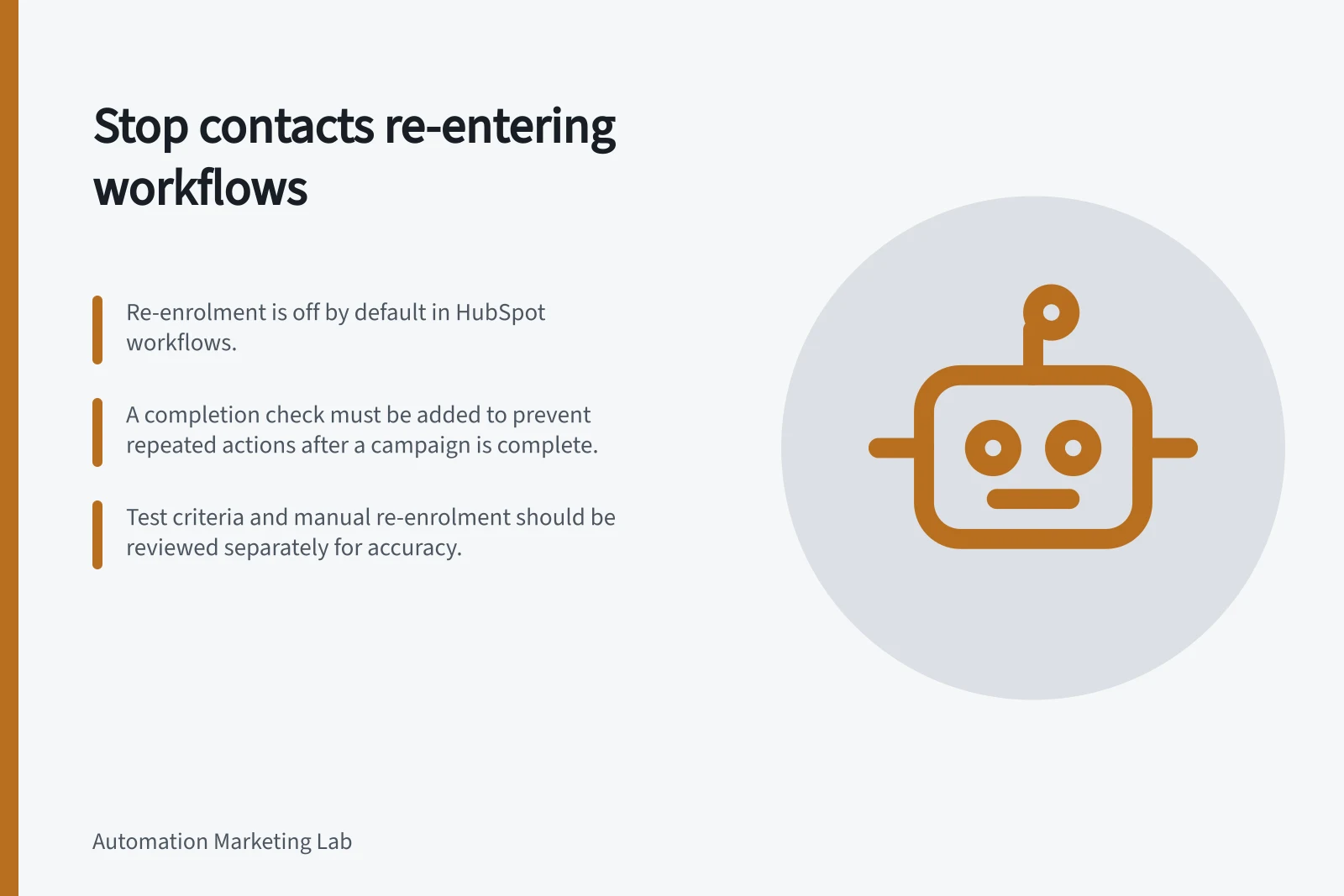
In HubSpot, re-enrolment is off by default: records are enrolled the first time they meet the workflow triggers. In the workflow editor, configure re-enrolment settings and select the triggers that can allow a record to enter again.
When re-enrolment is on, a record can re-enter after meeting at least one selected re-enrolment trigger or through manual re-enrolment. A manually re-enrolled record does not have to meet the initial or re-enrolment triggers; when re-enrolment is off, a previously enrolled record cannot enter again, manually or automatically.
A record cannot re-enter the same workflow while it is still enrolled. After it exits or is manually unenrolled, it can re-enter if re-enrolment is on and it meets the required criteria.
Re-enrolment eligibility depends on the trigger type and operator. In general, a property used for re-enrolment must match the workflow’s object type; activities and activity properties cannot be used, and not all enrolment triggers are eligible.
The property filter “is known” can qualify for re-enrolment when a property gains a value after having none or changes from one value to another. For a legitimate new request, an occasion property that changes for each accepted request can distinguish later work, provided the record also meets the workflow’s initial enrolment triggers.
For an event-led workflow, decide whether a later occurrence represents new work. If a second request arrives while the contact is already enrolled, it cannot re-enter at that point; decide whether the current run handles it or whether it should be treated as a separately identified later occasion after exit.
For a scheduled workflow, decide whether a contact selected again on a later run should receive another action; this depends on its entry and re-enrolment settings. HubSpot schedules can recur once, annually, monthly, weekly or daily.
Guard the action
For an action that should occur once per campaign occasion, keep a completion state that identifies that occasion. Check the state before the action: skip it if that occasion is complete, and proceed only if it is not.
After the action’s result is confirmed, record that the occasion is complete. This action-level check is separate from workflow re-enrolment and helps keep a later valid request distinct from a repeat of completed work.
Treat an uncertain result as a review case. This design pattern is not a guarantee that a contact-property check prevents simultaneous runs or duplicate sends across systems.
Do not mark an action complete merely because the contact entered the workflow. If a send or connected update fails, work may remain; if its outcome is uncertain, inspect the destination before repeating it.
Review repeat cases
Write expected outcomes for a first trigger, a second trigger while the contact is active, another trigger after exit, manual re-enrolment and selection on a later scheduled run. Include a contact already marked complete for the campaign.
For the first trigger, check that the contact meets the initial criteria and that the action runs only if the occasion is incomplete. For a second trigger while active, confirm there is no second entry; after exit, confirm that a changed valid occasion and a selected re-enrolment trigger allow entry, while the action guard still blocks a completed occasion.
Check both entry and the consequential action in each case. Test manual re-enrolment separately because it does not have to meet the workflow’s triggers when re-enrolment is on.
HubSpot’s Test criteria feature shows which enrolment criteria a record meets. Its Test feature checks whether a record will enrol and simulates how it will go through the workflow after enrolment; tests review the current workflow version.