Automation Builds
Part of Marketing automation triggers and conditions
Event triggers versus scheduled campaign runs
Choose between event triggers and scheduled campaign runs by checking timing, existing contacts, repeat entry and platform limits.
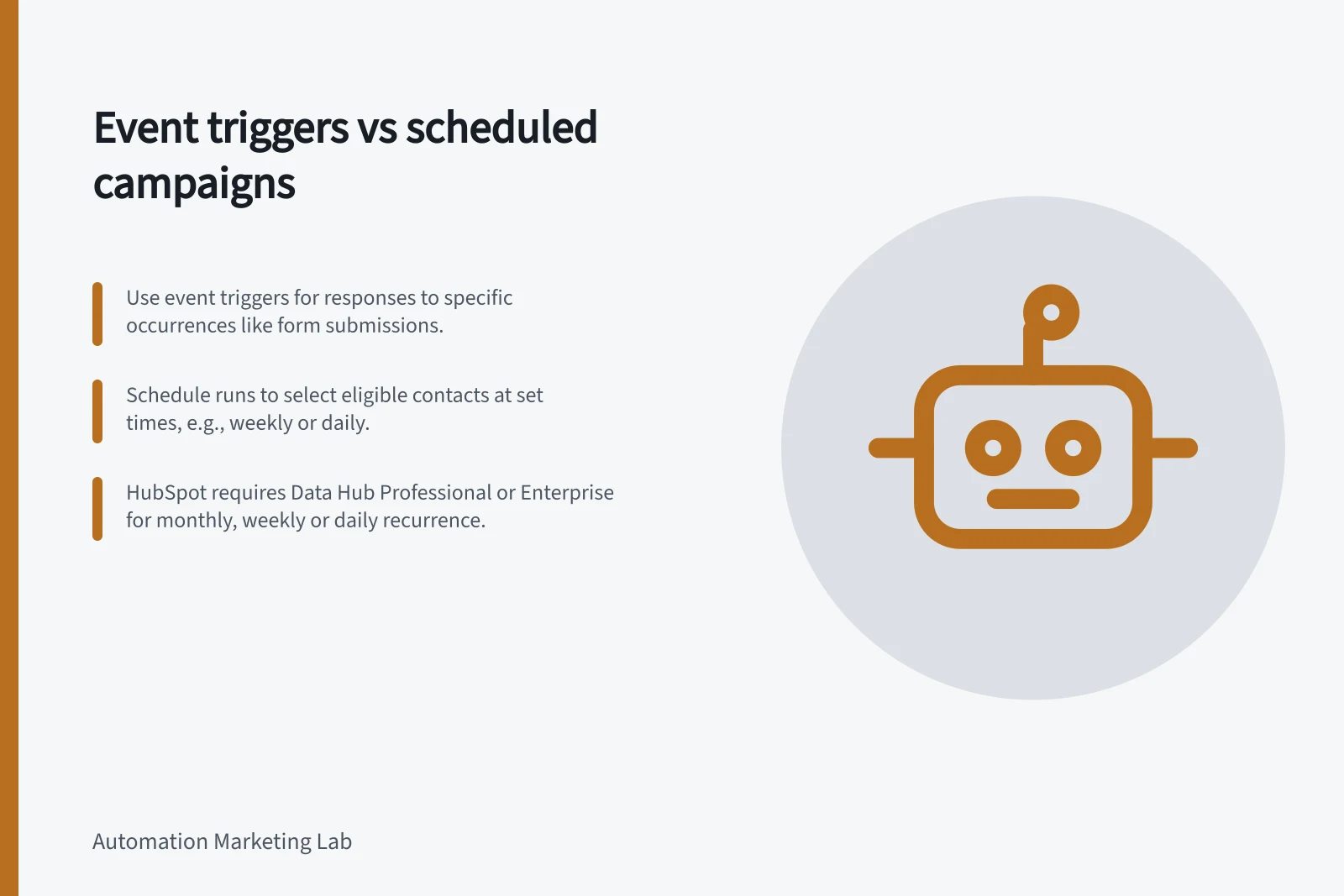
Use an event trigger when a campaign should respond to a particular occurrence. Use a scheduled run when it should select eligible contacts at a planned time. The choice is whether to respond to something that happened or inspect who qualifies at the run.
Match the start to the task
A form enquiry may call for an event-led response. A weekly review of contacts still awaiting follow-up may suit a scheduled selection. If a response is promised within a specific window, define that window separately: an event trigger alone does not establish delivery time.
An event-led rule needs an event name, a way to associate it with the right record and a decision about repeat occurrences. A scheduled rule needs a cadence, time zone, eligibility filter and a point after which follow-up is no longer useful.
| Question | Event trigger | Scheduled run |
|---|---|---|
| What starts evaluation? | A recorded occurrence | A configured date or time |
| Who is considered? | Records linked to a qualifying new event | Records meeting the filter at the run |
| Repeat question | Should another event prompt another response? | Could a later run select this record again under the configured entry rules? |
| Omission question | Was the event before activation or before the record could be identified? | Could the record become eligible after the last useful run? |
Event Triggers vs Scheduled Campaign Runs
- What starts evaluation?A recorded occurrence
- Who is considered?Records linked to a qualifying new event
- Repeat questionShould another event prompt another response?
- Omission questionWas the event before activation or before the record could be identified?
- What starts evaluation?A configured date or time
- Who is considered?Records meeting the filter at the run
- Repeat questionCould a later run select this record again under the configured entry rules?
- Omission questionCould the record become eligible after the last useful run?
Decide what happens to existing records
In HubSpot, event triggers apply only to events after the workflow is turned on. Existing records need another route, such as a suitable filter-based workflow or controlled manual enrolment.
For existing records, HubSpot recommends using filter-based enrolment triggers and choosing to enrol records that already meet the criteria, or manually enrolling them instead.
Treat a backlog as a separate decision. A catch-up action may suit some existing contacts and be too late for others.
Check the available cadence
HubSpot supports a schedule that runs once or recurs annually, monthly, weekly or daily. Dates and times use the account's time zone. Its documentation says monthly, weekly and daily recurrence require Data Hub Professional or Enterprise.
A scheduled trigger can be used with additional filter criteria. If a precise time matters, review the time-of-day options and the account's time zone settings.
A scheduled selection works when the task can wait for the next run. An event suits better when waiting would make the response obsolete. Neither choice, by itself, settles whether a previously processed contact may enter again; check the platform's re-enrolment settings.
HubSpot schedule cadence options
- Supported cadences
- Once, annually, monthly, weekly, daily
- Monthly/weekly/daily recurrence requires
- Data Hub Professional or Enterprise
- Time zone used
- Account's time zone
- Scheduled runs suitable for
- Tasks that can wait for the next run
Resolve repeats and late arrivals
Write expected outcomes for a second submission, a record already processed for this campaign, a contact who qualifies just after a run and a contact whose eligibility expires before the next one.
If separate event-led and scheduled workflows serve the same campaign, give them a shared completion rule so they do not both perform the same action. HubSpot does not allow scheduled and event enrolment triggers together in one workflow.
Compare those outcomes with the configured entry and selection settings. A workflow preview can simulate a path, but it cannot confirm that a real message or connected-system action occurred.
Key considerations when choosing between event triggers and scheduled runs
- Define expected outcomes for a second submission
- Address records already processed for this campaign
- Plan for contacts who qualify just after a run
- Handle eligibility expiry before the next run