Automation Builds
Part of Implementing marketing automation from an approved campaign plan
Turning a campaign brief into trigger rules
Translate a campaign brief into a clear start, eligibility conditions, exclusions, repeat rules and testable edge cases.
Turn a campaign brief into trigger rules by naming what starts evaluation, which records qualify, and what prevents or ends a run.
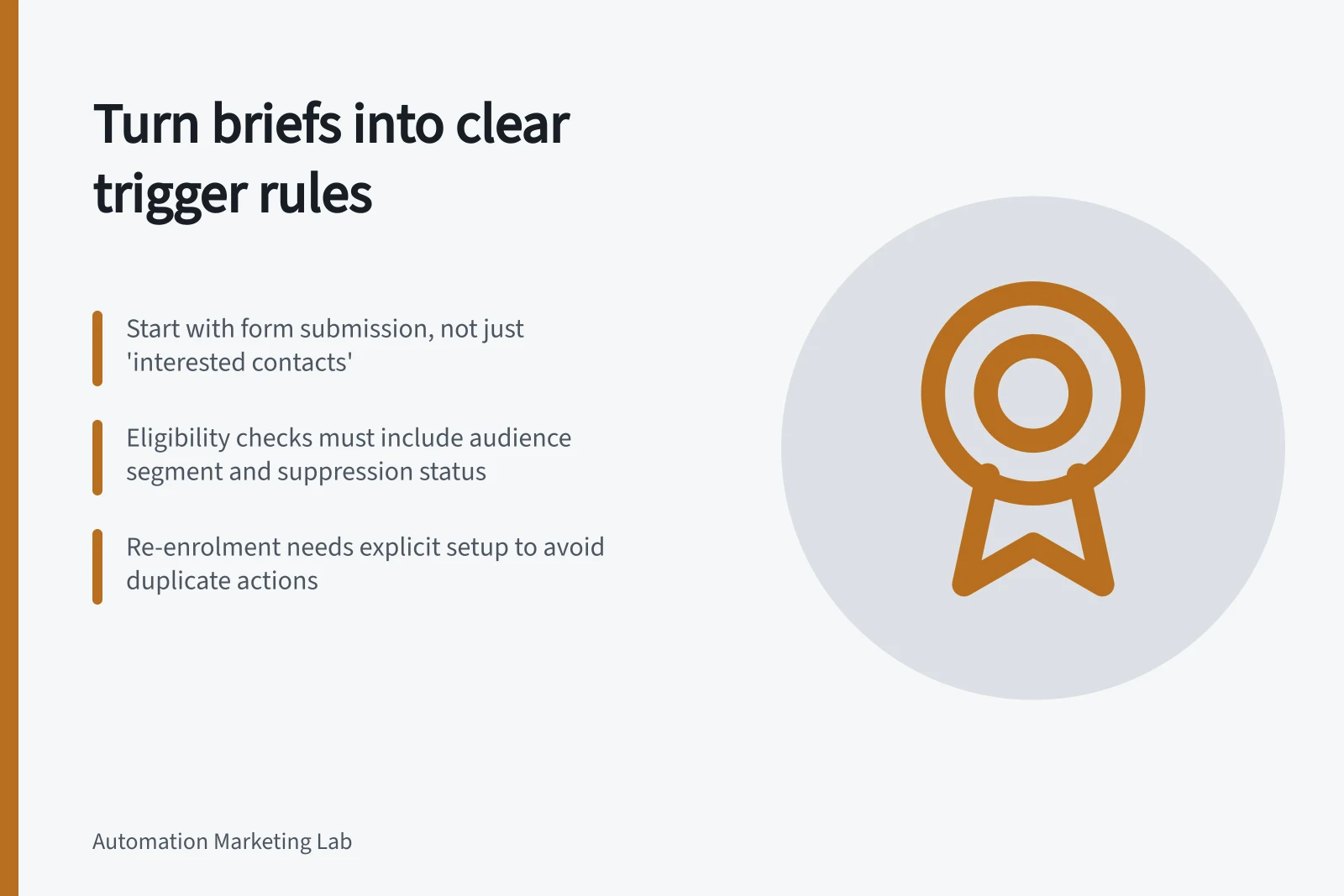
If the brief says “follow up interested contacts”, settle what counts as interest before configuring the workflow.
Separate the start from eligibility
The start answers what happened or when should evaluation occur? Eligibility answers may this record receive the next action? A person might submit a form today but fall outside the approved audience. Another might already meet an audience condition when a scheduled workflow runs.
HubSpot distinguishes event triggers, such as form submissions, from filter triggers based on conditions that are met. It also offers scheduled enrolment, subject to its configuration and subscription limits. Other platforms may use different terms.
For each instruction in the brief, complete this rule card:
Rule part / Question to settle
- Start
- Which event, condition or schedule begins evaluation?
- Identity
- Which contact or other record does it concern?
- Required data
- Which fields and values count?
- Exclusion
- Who must stay out even if the start occurs?
- Repeat
- Does another occurrence justify another run?
- Expiry
- When is the action no longer useful?
Turning a Campaign Brief into Trigger Rules
- StartWhich event, condition or schedule begins evaluation?
- IdentityWhich contact or other record does it concern?
- Required dataWhich fields and values count?
- ExclusionWho must stay out even if the start occurs?
- RepeatDoes another occurrence justify another run?
- ExpiryWhen is the action no longer useful?
Make the rule testable
Suppose an approved brief calls for follow-up after a named form is submitted. A draft rule could read: “When the form is submitted, evaluate the contact. Continue only if the approved audience conditions are met and the contact is not suppressed.”
If a required answer is blank, assign review instead of selecting a message. A real campaign needs its actual form, audience conditions and review owner in the rule.
Spell out how conditions combine. “In the approved segment and interested in product A” differs from “in the approved segment or interested in product A”.
Say whether a property needs to hold a value now or a particular change must have occurred. Define what happens to blank, conflicting or unexpected values.
Decide what should happen to records that already qualify when the workflow starts. HubSpot has a setting to enrol existing objects that meet the trigger criteria as of now.
Testable Rule Preparation Checklist
- Define how conditions combine (AND/OR)Use explicit logic such as 'in approved segment AND interested in product A'
- Specify value requirementsState whether property must hold a value now or a change occurred
- Handle missing or conflicting dataDecide what to do with blank or unexpected values – e.g., assign for review
- Set enrolment for existing recordsEnable re-enrolment if needed for contacts already meeting criteria
Define repeats and exits
Decide whether a second form submission is a new request or a duplicate signal. If it is new, specify which action may repeat. If it is a duplicate, specify how the workflow avoids another action.
By default, HubSpot records are enrolled only the first time they meet the workflow triggers. Re-enrolment triggers can be enabled to allow records to re-enrol.
Write exit rules beside entry rules. A record may reach the campaign objective, withdraw permission, become ineligible or pass the useful send window.
New Submission vs. Duplicate Submission Handling
- New Submission
- Triggers a new workflow run; action may repeat
- Duplicate Submission
- Prevents another action; avoids redundant follow-ups
Check the rule before building the sequence
Prepare cases for an eligible new record, an excluded record, missing data, an existing eligible record and a repeated event. For each, state whether it should enter, wait for review or stay out, and whether any message may be sent. Then compare the configured logic with those expected outcomes.
HubSpot's Test feature checks whether a record will enrol and simulates how it will go through the workflow after enrolment. If a likely case has no defined outcome, return that decision to the campaign owner before launch.
Key Workflow Configuration Settings in HubSpot
- Default Enrolment
- Only first time a record meets trigger criteria
- Re-enrolment Enabled
- Allows records to re-enter if they meet triggers again
- Test Feature Availability
- Simulates enrolment and workflow progression