Automation Builds
Part of Implementing marketing automation from an approved campaign plan
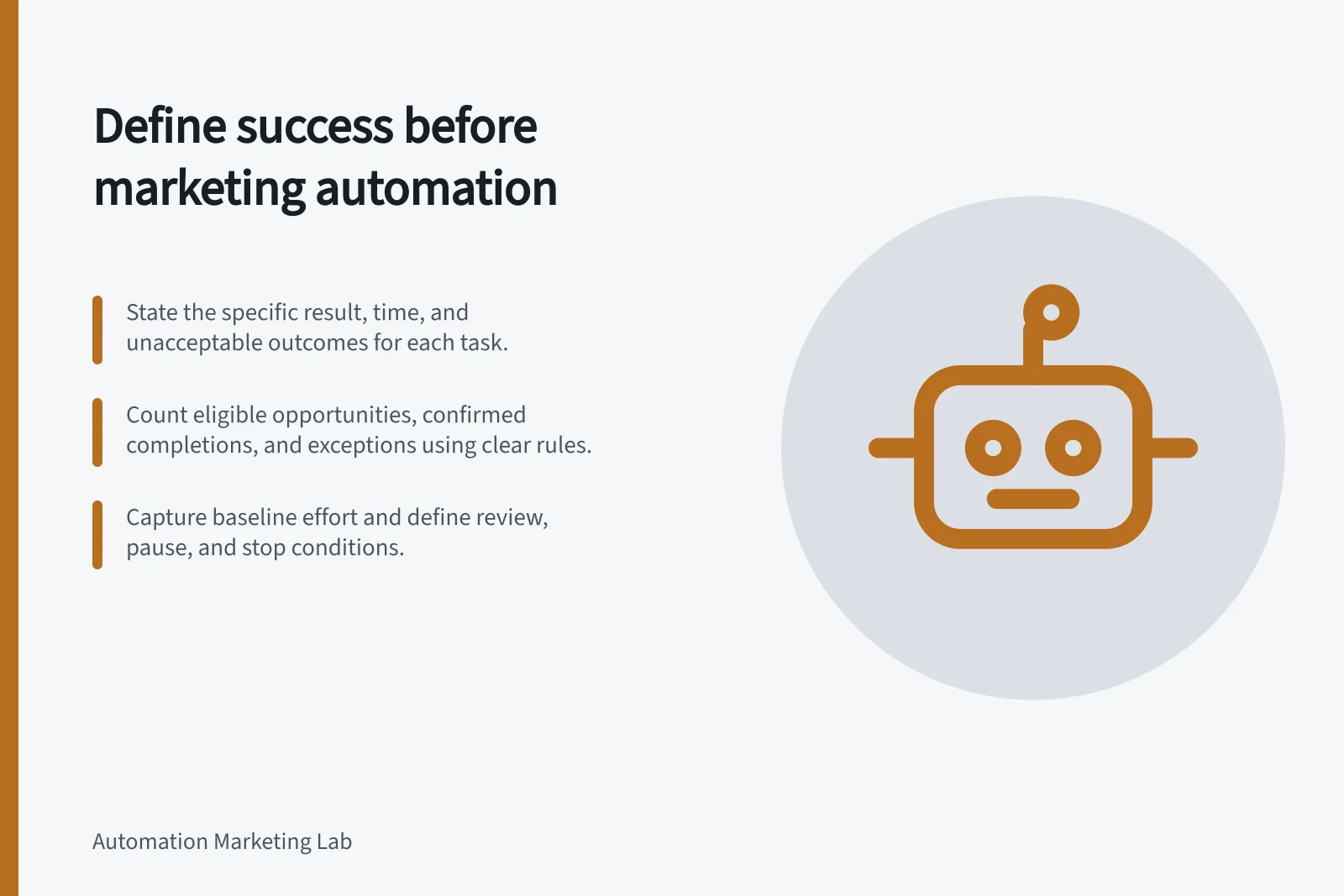
Defining success before automating a marketing task
Set a measurable task outcome, denominator, evidence source and review rule before building a marketing automation.
Before automating a marketing task, define the result it should produce, when that result is useful and what must never happen. “The workflow ran” records activity; it does not show the right person received the intended action or that the task met its purpose.
State the intended outcome
Complete this sentence: For eligible records, the task should produce [specific result] by [time], without [unacceptable outcome]. If the result cannot be observed directly, identify the evidence that will stand for it. Use the approved campaign objective, not the number a platform displays most prominently.
For a hypothetical follow-up task, the statement might be: “Eligible requesters receive the approved response within the campaign window; suppressed and ineligible records receive none.” The campaign owner must define the actual window and eligibility rule. This is a proposed target, not a reported result.
Define what to count
Measure / Question it answers
- Eligible opportunities
- How many distinct occasions called for the task?
- Confirmed completions
- How many reached the specified result?
- Timeliness
- How many reached it before the deadline?
- Exceptions and unwanted actions
- What failed, needed review or happened when it should not?
Define the denominator before calculating a completion rate. State how withdrawals, late arrivals and repeated events are counted. A second event might be a new opportunity or a duplicate; decide that before launch.
For an external send or system update, identify where confirmation will come from. A completed workflow step and a destination that recorded the intended action are different observations. Execution counts alone cannot establish delivery, response or business impact.
Capture a baseline and decision rule
If the purpose is to save staff time, record the manual task's current volume and effort before changing it. Include later review and repair work in the comparison. If the purpose is faster response, use the same start and end points for the current and automated processes. Automation alone does not establish a time-saving percentage.
Agree when results will be reviewed, which exceptions will be investigated and who can pause the task. Define any numerical threshold from the campaign's risk and objective, not a generic benchmark. Treat an action that breaches a required consent or exclusion rule as an incident, regardless of the completion rate.
Manual vs Automated Task Metrics
- Metric
- Current Manual Process
- Metric
- Automated Process (Post-Implementation)
- Error rate
- 1%
Interpret platform goals carefully
A platform goal may help measure a task, but it may represent a narrower event than the business outcome. HubSpot supports goals in contact-based workflows. Its goal conversion rate is available only under its stated Marketing Hub Professional or Enterprise and marketing-email conditions.
An active contact who meets a configured goal is automatically unenrolled, even if no marketing email was sent. Check those effects before relying on the metric or goal setting.
Keep the outcome, denominator, evidence source, review date and stop condition with the workflow specification. After launch, compare observed results with those definitions. If evidence is missing, report the gap rather than replacing the original success question with an easier dashboard number.