Automation Monitoring
Part of Monitoring marketing automation performance
Measuring time saved by an automated marketing task
Compare manual effort with oversight, repair and maintenance to estimate the time an automated marketing task saves.
Estimate time saved as the active human effort comparable manual work would have required, minus the effort people still spend overseeing and repairing the automated work. Count only tasks that produced a usable result as released work, while also counting effort spent on failed or uncertain attempts. A short workflow run does not, by itself, show staff time saved.
Set the task boundary
Name the start and finish of one task. “Prepare and assign an eligible enquiry” is measurable; “manage leads” combines several jobs. Define comparable case types and keep waiting time separate from staff effort. A task may reach a customer sooner without reducing the minutes someone spends on it.
If records are available, time a representative set of manual cases. Record the steps counted, active minutes and case types. If the old process has disappeared, label the baseline as an estimate and describe its basis. A recollection is not a timed observation.
Steps to Measure Time Saved by Automation
- Define the task boundary clearlye.g., 'Prepare and assign an eligible enquiry' — avoid vague terms like 'manage leads'
- Time a representative set of manual casesRecord active minutes, steps, and case types; use real data if possible
- Track effort in automated periodInclude routine oversight, exceptions, repair, and build/maintenance
- Calculate gross and net time savedGross = manual mins − routine mins − exception mins; deduct allocated maintenance for net
- Report assumptions and uncertaintyInclude baseline method, excluded cases, and observation period
Count the effort that remains
For the automated period, count comparable tasks with confirmed usable results. Record routine human preparation, approval and checking for those tasks. Also record time spent investigating failed, cancelled or uncertain attempts; that effort is a cost even when those attempts produce no saved task. Show build and maintenance effort separately, then allocate it over a stated period if reporting net savings.
| Component | What to measure |
|---|---|
| Manual baseline | Active minutes per comparable completed case before automation |
| Confirmed volume | Comparable tasks with a usable automated-period result |
| Routine oversight | Active human minutes for that confirmed work |
| Exceptions and repair | Human minutes spent on all failed or uncertain attempts and rework |
| Build and maintenance | One-off and recurring effort, shown separately |
A practical calculation is: gross time released = manual minutes for the confirmed comparable volume − routine automated-period human minutes for that volume − exception and repair minutes across the period. Subtract allocated build and maintenance effort for a net figure. If case mixes differ, calculate by case type instead of applying one average to all work. Report unresolved work separately rather than assuming it will succeed.
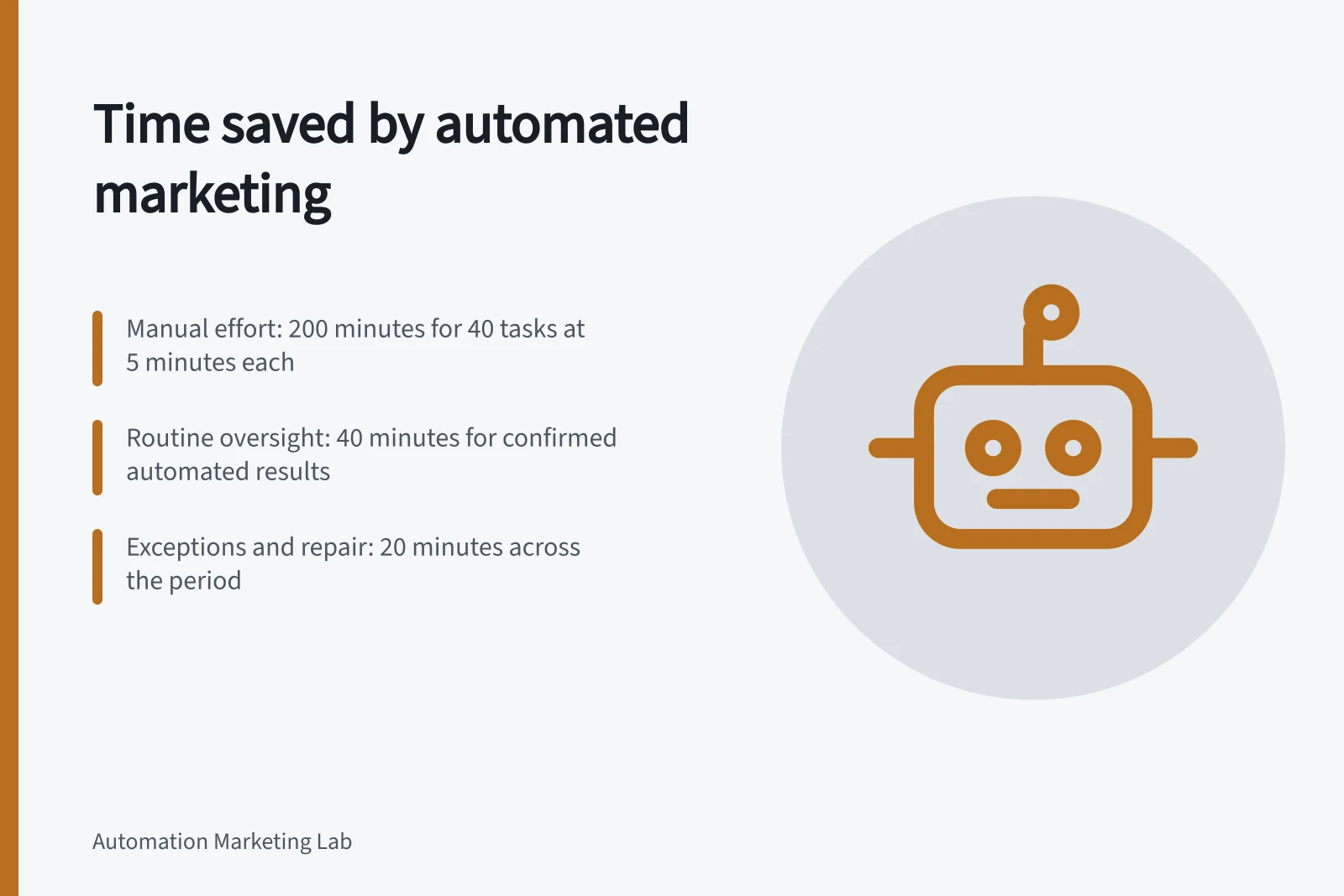
For illustration, 40 comparable completed tasks at five active manual minutes each represent 200 minutes. If their routine review required 40 minutes and exceptions and repair across the period required 20 minutes, gross time released is 140 minutes. Setup and maintenance have not yet been deducted. This is hypothetical arithmetic, not a measured saving.
Interpret product savings cautiously
Power Automate offers a Savings feature for eligible solution-based cloud flows. Its time-saving rule uses a user-defined manual baseline and generates savings for successful runs, excluding successful test runs. The displayed amount depends on that baseline. The feature cannot be used in a Dataverse for Teams environment.
Report the observation period, confirmed volume, baseline method, exception effort, excluded cases and uncertainty beside the result. Recalculate after a workflow change: a faster flow that creates more manual exceptions may save less staff effort.