Automation Monitoring
Part of Monitoring marketing automation performance
Building a weekly automation exception report
Build a weekly marketing automation exception report that tracks unresolved work, owners, next actions and closure evidence.
A weekly exception report shows which automation work still needs a decision, who owns it and when it must be checked again.
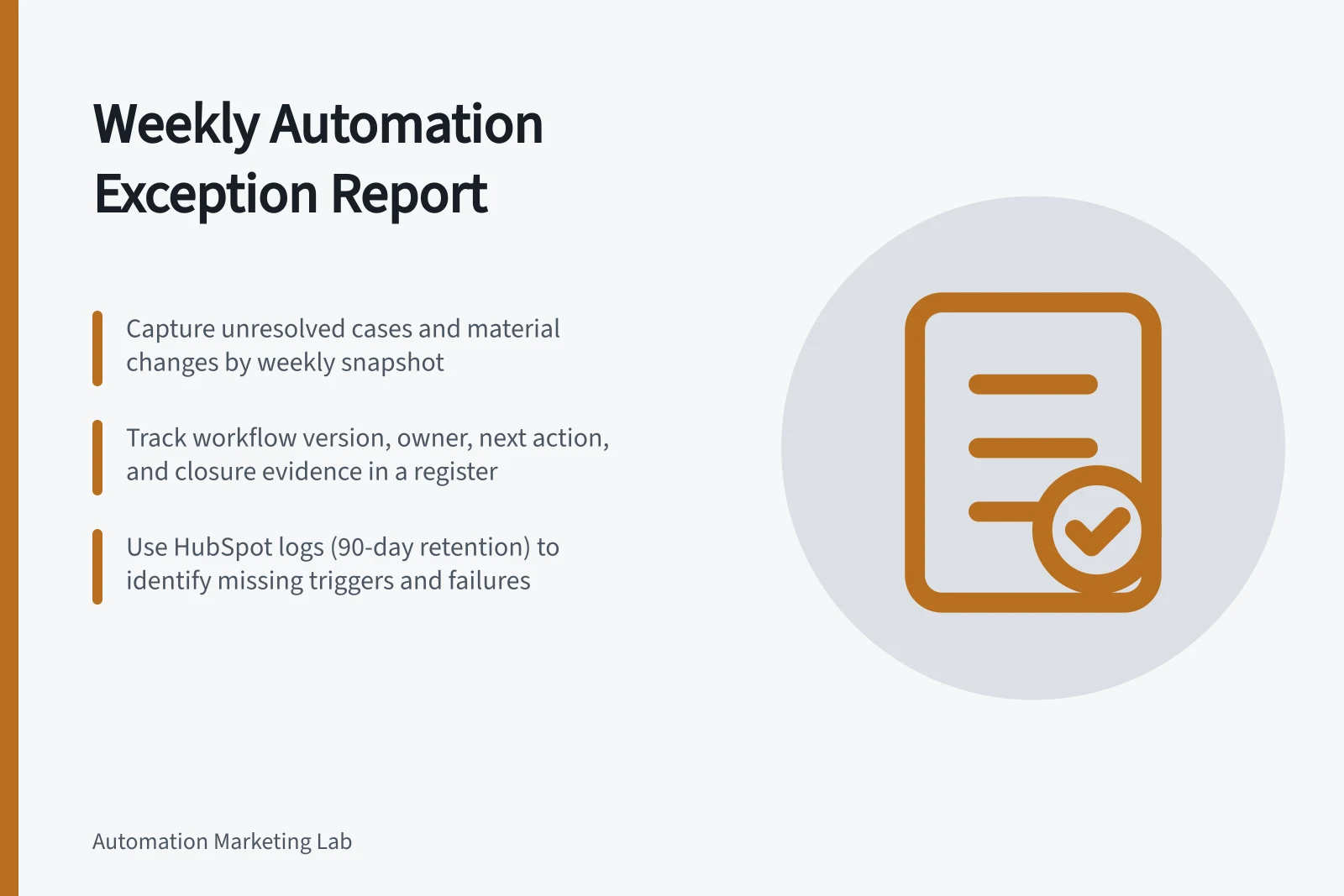
Build a weekly snapshot of unresolved cases and material changes, rather than a list of every run or alert.
Fix the window and snapshot
Choose a local cut-off and state its time zone. Include cases opened during the week and older cases still unresolved at cut-off.
Show cases closed during the week separately, so a resolved issue remains visible in the trend. Name the report owner and the owner of each open case.
Use a stable case reference for the intended task or action. Several alerts from one failed action should normally update one case.
If one outage affects many contacts, group the cause in the summary while retaining the affected-record list and each record's outcome.
Weekly Exception Reporting Workflow
- Set cut-off time (e.g., Friday 5:00 PM AEST)
- Capture unresolved cases from current and prior weeks
- Separately track cases closed during the week
- Group common causes (e.g., outage affecting multiple contacts)
- Assign owners and define next actions
- Record closure evidence for resolved cases
Use an actionable register
Field / Purpose
- Workflow and version
- Identifies the configuration involved
- Case and affected work
- Identifies what still needs an outcome
- First seen and last checked
- Shows age and recent investigation
- Last confirmed step
- Separates known completion from uncertainty
- State
- Failed, waiting beyond plan, outcome unknown or needs review
- Owner and next action
- Makes responsibility and review time explicit
- Closure evidence
- Records the confirmed result or authorised cancellation
These are suggested reporting categories, not product statuses. Keep routine personal details out of the circulated report and give authorised operators a controlled route to the underlying record.
Actionable Register Fields for Exception Tracking
- Workflow and versionIdentifies the configuration involved
- Case and affected workIdentifies what still needs an outcome
- First seen and last checkedShows age and recent investigation
- Last confirmed stepSeparates known completion from uncertainty
- StateFailed, waiting beyond plan, outcome unknown or needs review
- Owner and next actionMakes responsibility and review time explicit
- Closure evidenceRecords the confirmed result or authorised cancellation
Gather more than alert emails
Collect action failures, delayed or held work, unresolved destination checks and expected starts that never appeared.
A missing trigger will not be found by filtering failed runs alone; compare the expected schedule or source events with observed entries.
HubSpot provides action logs and enrolment history on the workflow details page for eligible accounts, subject to permissions and retention limits. Action-log data is stored for 90 days and historical enrolment data for six months.
HubSpot also has a daily limit of 100,000 successful workflow execution logs. After it is exceeded, success and info logs are not stored for the rest of that day, but error logs continue to appear.
Power Automate's per-run emails cover recognised failures with a specific fix and are subject to a cooldown. Its weekly digest and admin-centre Monitor view provide broader failure coverage.
Translate platform labels into the report's agreed case states.
Platform Exception Handling Capabilities
- Power Automate
- Per-run emails with fix guidance, weekly digest, admin Monitor view
- Zapier
- Run status review, no native logging beyond workflow history
Make the weekly decisions visible
Review cases that may have affected a recipient incorrectly, cases nearing their useful deadline and recurring lower-impact faults.
For each open case, record whether an owner will inspect a destination, investigate a cause, maintain a hold or seek an authorised recovery decision.
Keep an unknown send outcome open until its destination has been checked. The report records the decision and next review time; it does not itself perform a retry.
Finish with counts of new, closed and still-open cases, plus recurring causes. Show the underlying work volume and workflow versions before interpreting a rate. A lower exception count may reflect fewer campaign starts or weaker detection.