Error Handling
Part of Monitoring marketing automation performance
Spotting a stalled branch in a campaign workflow
Trace records through a campaign branch to distinguish an expected wait from a wrong route, action error or uncertain destination.
A branch may be stalled if records expected to progress stay at a step beyond the planned wait, or take the path without producing the next intended result. Confirm first that those records were meant to take that path. Low branch volume alone does not prove a fault.
Compare the expected path with the observed one
Record the branch condition, intended audience, next action and latest useful time. Use the workflow version in effect when each record reached the branch. Compare records that reached the branch, took the path and then reached the next meaningful action or destination.
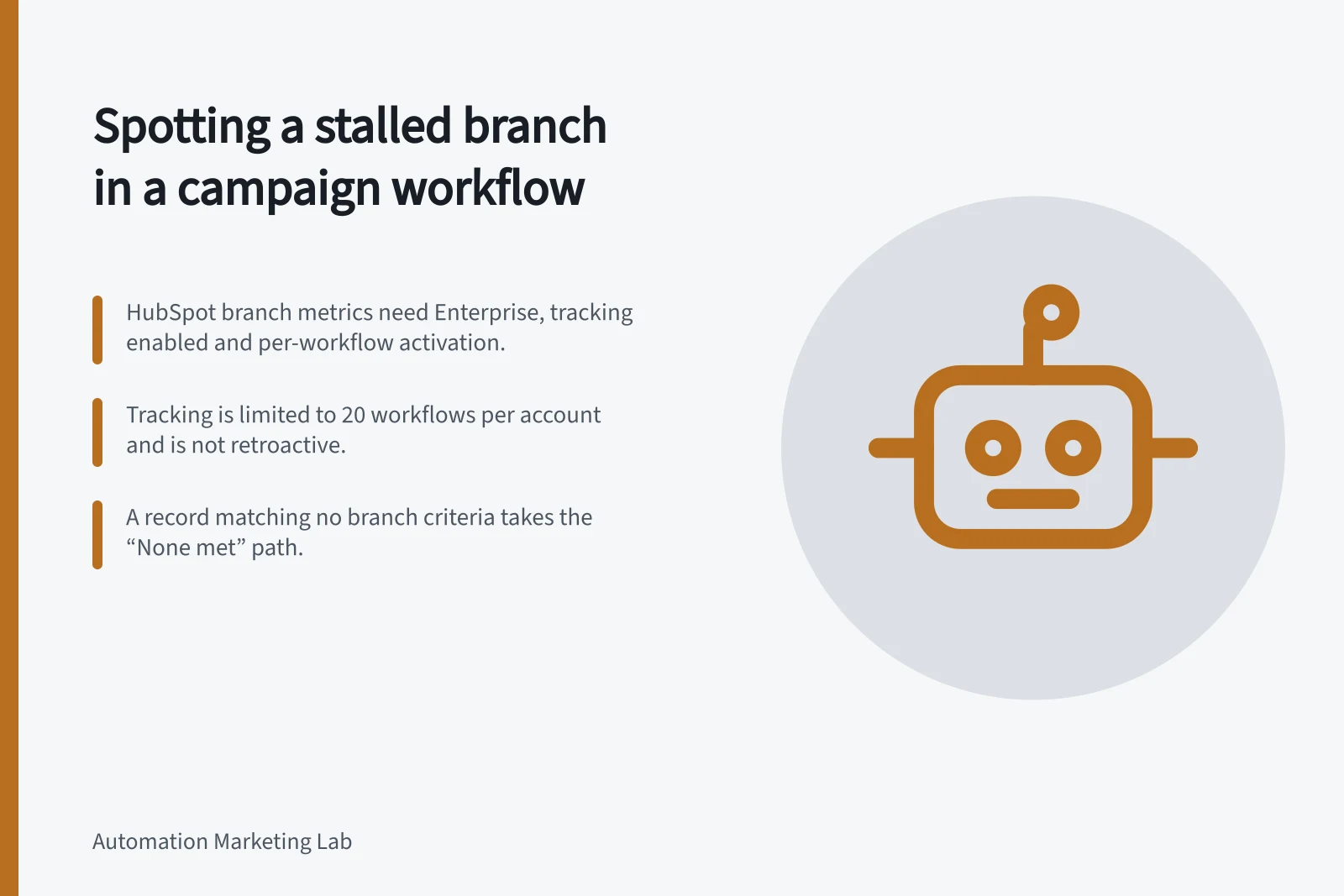
HubSpot’s action and branch metrics can show step counts, path continuation and errors. They require an eligible Enterprise subscription, permission to enable tracking and per-workflow activation. Tracking is limited to 20 workflows per account, is not retroactive and may lag by several hours.
Where these metrics are unavailable, inspect enrolment and action history for a bounded set of records. HubSpot’s record-path view can show the path and endpoint for an individual enrolment. None of these views proves an outside system completed its part.
What limits HubSpot branch and action tracking data
- Subscription
- Enterprise required
- Activation
- Permission to enable tracking, plus per-workflow activation
- Workflow cap
- 20 workflows per account
- History
- Not retroactive
- Reporting lag
- May lag several hours
Sort the common explanations
Observation / What to check next
- Almost nobody reaches the branch
- Entry population, upstream exclusions and earlier delays
- Records reach it but take another path
- Values at evaluation time, branch order and the default path
- Records take it but remain waiting
- Configured delay, date, time zone or required event
- Next action records an error
- Action log and affected records
- Action looks complete but result is absent
- Destination record or sending system
Compare periods only after accounting for campaign volume and version changes. A diagnostic count identifies where to look; it does not establish the cause.
In HubSpot, branches can be created using different logic types, and a record matching none of the branch criteria takes the “None met” path. Records must match the branch criteria before reaching the branch, so a later property change does not automatically reroute it. A path with no further actions can lead to the workflow’s end without an action error.
Match what you see to the next thing to check
- Almost nobody reaches the branchCheck the entry population, upstream exclusions and earlier delays
- Records reach it but take another pathCheck the values at evaluation time, branch order and the default path
- Records take it but remain waitingCheck the configured delay, date, time zone or required event
- Next action records an errorCheck the action log and the affected records
- Action looks complete but the result is absentCheck the destination record or sending system
Trace affected records
Choose records from each observed outcome, including one that advanced normally. Note entry and branch times, the value used for the decision, workflow revision, last action and any pending delay. Compare those facts with the campaign rule. If a value arrived after evaluation, investigate timing before changing the condition.
If the next action contacts another system, inspect that destination before retrying. A slow or ambiguous response from another system can be logged as a failure and retried, even though the receiving service may already have acted. Keep the external outcome uncertain until checked.
Classify the finding as expected wait, wrong route, failed action, uncertain destination or measurement gap. Escalate a path that could send the wrong message. Otherwise, repair the identified rule or data cause and recheck affected records. An overall workflow count cannot settle what happened on one path.
Tracing a suspected stalled branch, record by record
- Pick records from each observed outcome, including one that advanced normally
- Note entry and branch times, workflow revision, last action and any pending delay
- Record the value used for the decision and compare it with the campaign rule
- Inspect the destination system before retrying where the next action contacts another system
- Classify the finding as expected wait, wrong route, failed action, uncertain destination or measurement gap
- Escalate immediately if the path could send the wrong message
- Repair the identified rule or data cause, then recheck the affected records