Error Handling
Part of Automating webinar campaign operations
Updating attendance status after an event
Reconcile webinar attendance with registrations and keep uncertain records separate from confirmed no-shows.
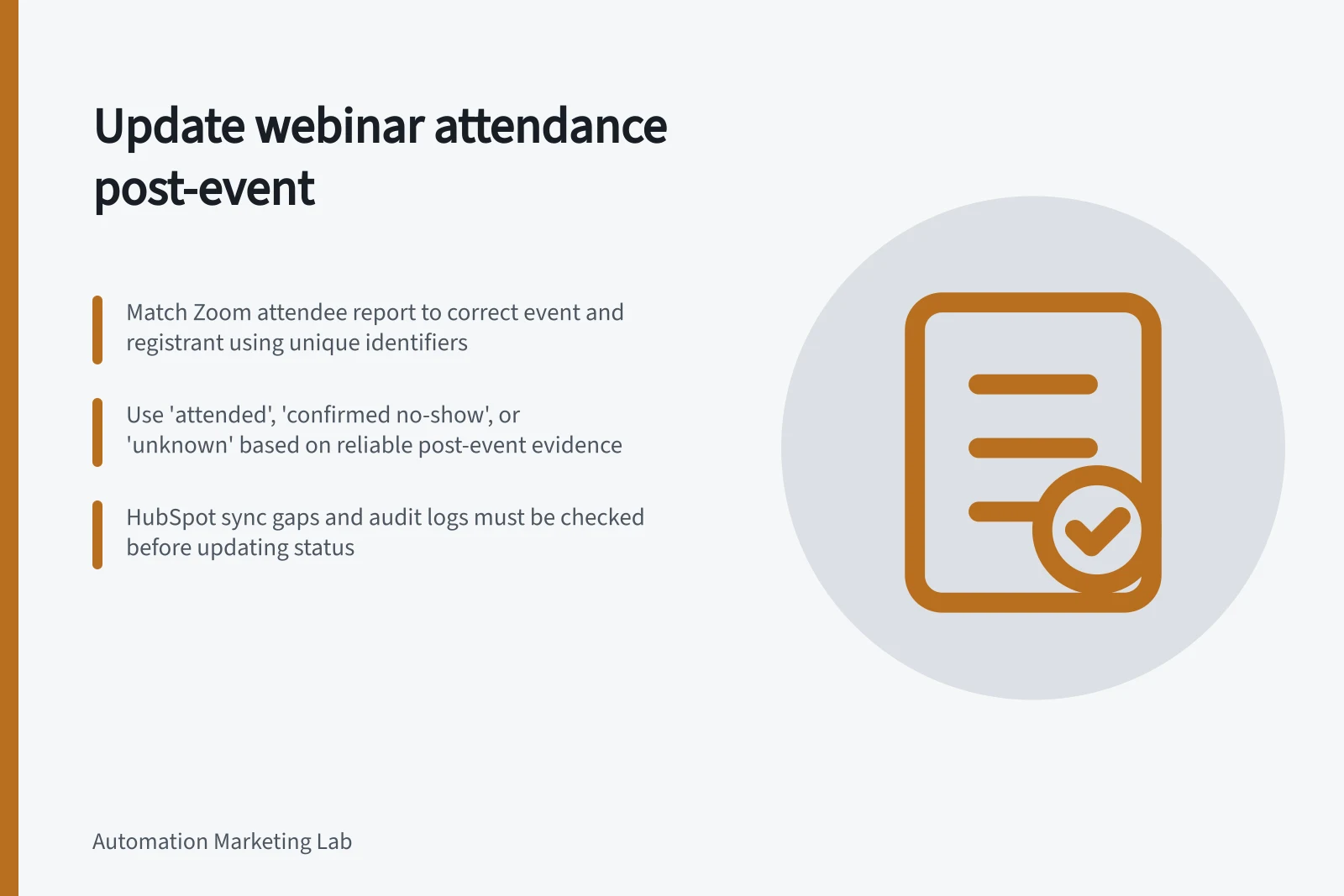
Update webinar attendance after the session ends and its attendance report is available. Match the report to the correct event and registrant. Record attended, confirmed no-show or unknown; a missing row in a marketing tool alone is not evidence that someone missed the webinar.
Choose the attendance evidence
Identify the webinar and, for a series, the relevant occurrence. Decide whether any recorded join counts as attendance or whether a campaign-specific participation threshold affects later messaging. A person below a chosen duration threshold should not silently be described as someone who never joined.
Zoom’s attendee report includes join, leave and total-time details. With registration enabled, it can indicate whether registrants attended.
Zoom advises generating attendee data after the webinar ends and regenerating a report created beforehand. Its “Other Attended” section can include dial-in participants and Zoom Room users, whose identities may need separate review.
Key Data Points from Zoom Webinar Reports
- Join Time
- Available in Zoom attendee report
- Leave Time
- Available in Zoom attendee report
- Total Duration
- Available in Zoom attendee report
- Dial-in Participants
- Included in 'Other Attended' section
- Zoom Room Users
- Included in 'Other Attended' section
Reconcile one event at a time
Start with accepted registrants. Match each one to the event’s attendance evidence using an identifier the source supports. Do not merge records solely because names look similar.
Evidence / Campaign status
- Matched participation for this event
- Attended
- Accepted registration and reliable post-event report confirming no participation
- Confirmed no-show
- Missing report, uncertain identity or sync discrepancy
- Unknown
These are recommended campaign statuses, not universal product labels. Keep the event reference, report time and reason for each uncertain outcome so a later correction can be explained.
Check the destination record
HubSpot’s Zoom integration can sync registration and attendance data to marketing events and contact records. It documents sync gaps for participants without email addresses and timeline activity linked to secondary email addresses. Its webinar audit logs can show sync warnings.
If HubSpot lacks an attendance event, compare its sync state with the Zoom report. Investigate excluded addresses, missing participant information or delayed sync before updating the status.
Release an attendance-based follow-up only after the status is supported. If a correction arrives after a message was sent, retain the earlier status and send record so the outcome can be reviewed.