Automation Builds
Part of Automating webinar campaign operations
Preventing reminders after a webinar is cancelled
Stop webinar and external reminder routes after cancellation, send a clear notice and reconcile scheduled actions.
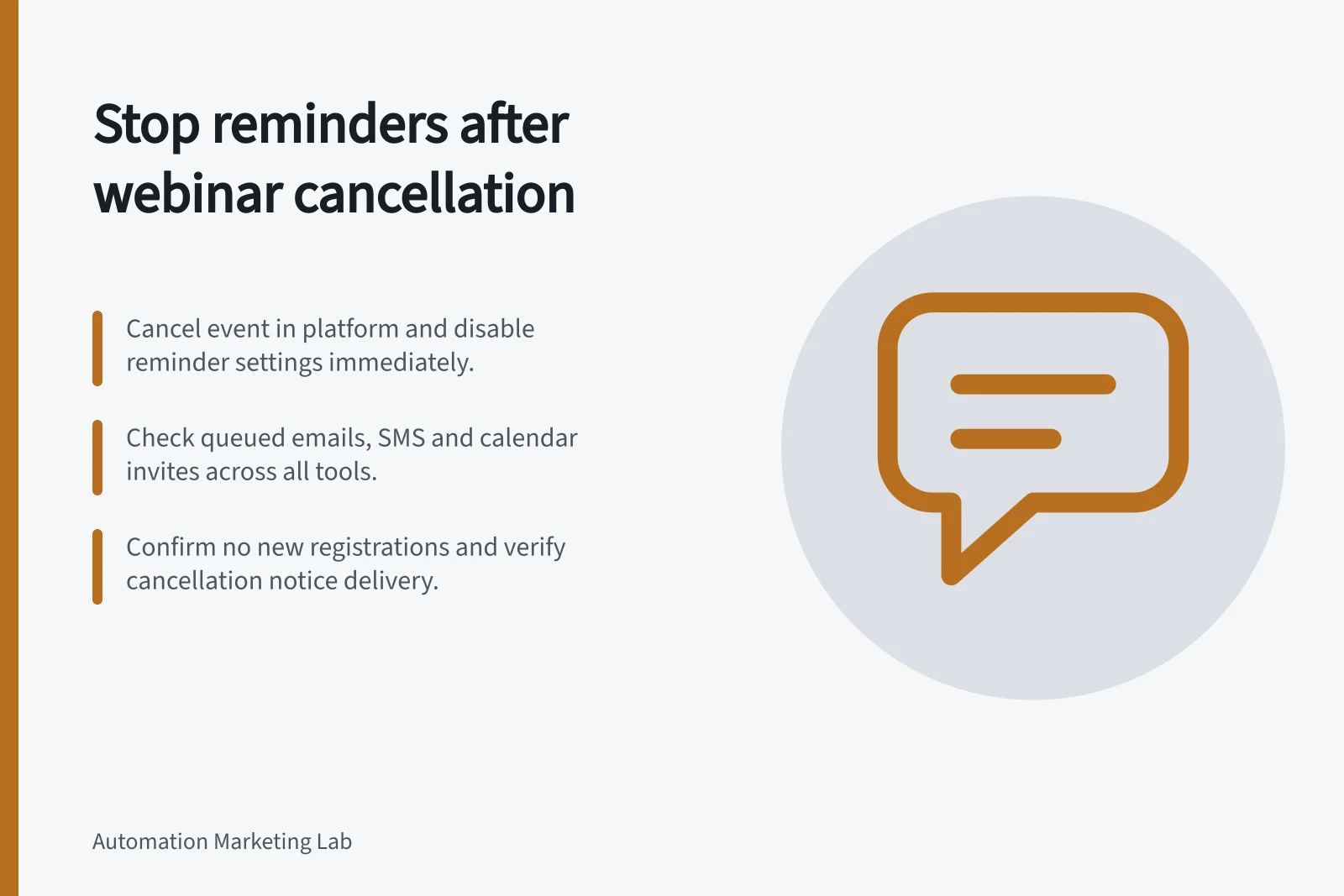
When a webinar is cancelled, mark the affected event or occurrence as cancelled and review every route that can still send a reminder. Stop new registrations and pending reminders where the systems allow, then inspect queued and in-progress sends. A cancellation notice does not stop a separate marketing workflow.
Identify what is being cancelled
Record the event ID, affected occurrence, cancellation time and authorised owner. Distinguish cancellation from rescheduling: a changed date needs corrected time and joining details, while a cancelled event must stop inviting people to attend.
List the webinar platform’s reminders, marketing emails or SMS, calendar invitations, scheduled campaigns and retry queues. Note the next send time in each route. A CRM cancellation field helps only if the sending route checks it before acting.
Block the next reminder
Where the tool permits it, check immediately before each reminder that the event is scheduled and the person’s registration remains valid. Hold the action when that state cannot be confirmed.
Disable the webinar platform’s reminder setting for the affected event and separately inspect queued sends in other tools. A message already sent cannot be recalled by changing a workflow.
Zoom lets account administrators configure webinar email settings, including whether and when reminder emails are sent to approved registrants and panellists. Check the specific webinar’s settings and registrants before relying on those messages.
In a HubSpot contact workflow, a configured suppression segment can prevent enrolment and immediately remove enrolled contacts who enter that segment, stopping their remaining workflow emails. This applies to that workflow.
Send the notice and confirm the stop
Choose who sends the cancellation notice. Give people the webinar name, affected date and time, a clear statement that it will not proceed, and where to find any approved new plan. If another date is proposed, say whether registration carries over only after confirming the platform’s actual behaviour.
Microsoft Teams says cancelling a webinar automatically emails attendees and cannot be undone. For every platform, check notice delivery and reminder suppression separately.
After cancellation, reconcile registered people, notices attempted, reminders already sent and actions still scheduled. Assign an owner to any in-progress or uncertain send. Keep unaffected occurrences in a series outside the cancellation scope.