Error Handling
Part of Marketing automation error handling
Sending uncertain records to a manual review queue
Design a manual review queue that holds uncertain marketing records, gives reviewers the right evidence and records a safe resolution.
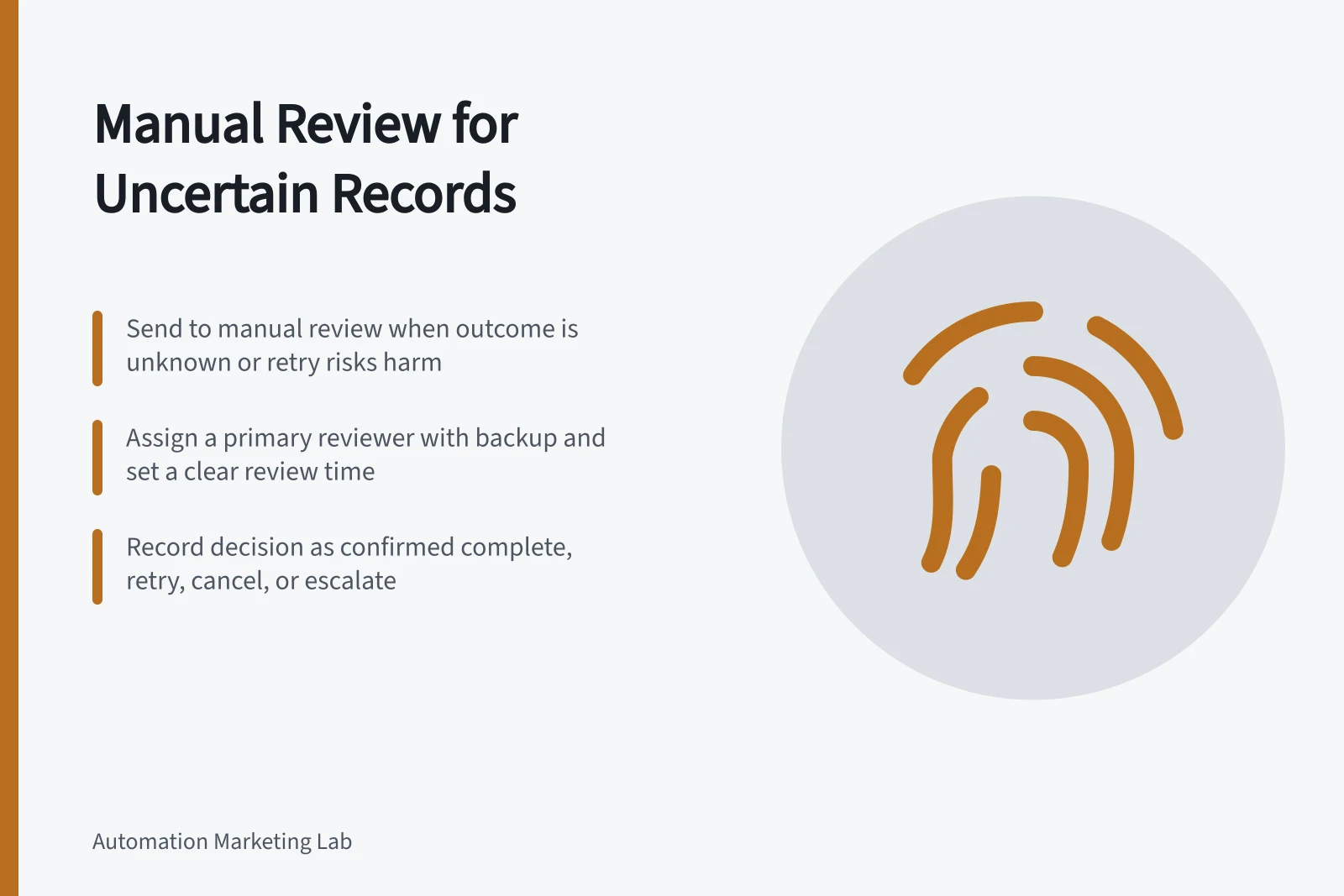
Send a record to manual review when automation cannot establish a safe next action: the send outcome is unknown, required data conflicts, or a retry might repeat a harmful step. The queue needs a reason, an owner and a hold that prevents the disputed action from continuing until a decision is recorded.
Define when to hand off
Create a case for an unconfirmed provider response, disagreement between systems about the last completed action, or a failed update that changes who would receive the next message. A temporary fault with a clearly unperformed action may fit a bounded automatic retry. An attempted send with an unknown outcome needs investigation.
If the fault threatens the whole campaign, use the broader stop procedure. A case should have a stable ID so repeated error reports for the same intended action do not create competing decisions.
Give the reviewer enough evidence
Show the record reference, campaign and workflow version, disputed action, attempt times, observed error, confirmed earlier actions, possible side effect and any retry already scheduled. Include current send eligibility. Restrict access to personal data to the people who need it.
Use a small set of decisions: confirmed complete, correct and retry, continue without retry, cancel, or escalate. Record the reviewer and reason. Before a delayed send, check eligibility again because the record may have changed while waiting.
Connect the decision to the workflow
A case is useful only if the workflow cannot quietly proceed to the disputed action. Place the hold immediately before the next consequential step, and release from the record’s last confirmed state after the reviewer’s decision.
Confirm that the record remains held before review. After release, processing resumes from the last confirmed state rather than repeating the disputed action.
Platform features can route an exception, but they do not automatically create this complete queue. Power Automate Run after settings can branch after failure or timeout to log an error or send a notification.
Eligible HubSpot users can inspect automation issues and mark an issue fixed, ignored or deferred. Those issue labels do not themselves establish a per-record recovery decision.
Keep cases moving
Assign a primary reviewer, backup and review time based on the campaign’s response window. Make overdue cases visible. Group cases caused by one outage while preserving each record’s outcome: repairing a connection does not show which attempted sends completed.
Key Metrics for Monitoring Manual Review Queues
- Cases Escalated (%)
- Monitor trend to identify recurring system issues
- Retry Rate After Review
- Indicates effectiveness of initial decisions
- Records Held Per Campaign
- Track volume to assess automation reliability