Lead Routing
Part of Automated campaign approvals
Routing campaign drafts to the right approver
Route a campaign draft according to the decision it needs, not the nearest available manager.
Route a campaign draft by the decision it needs, not the nearest available manager. Name the approver role, the duty they check and the fallback before the requester submits the draft. This stops a general “approved” status from hiding an unanswered specialist question.
Make a decision matrix
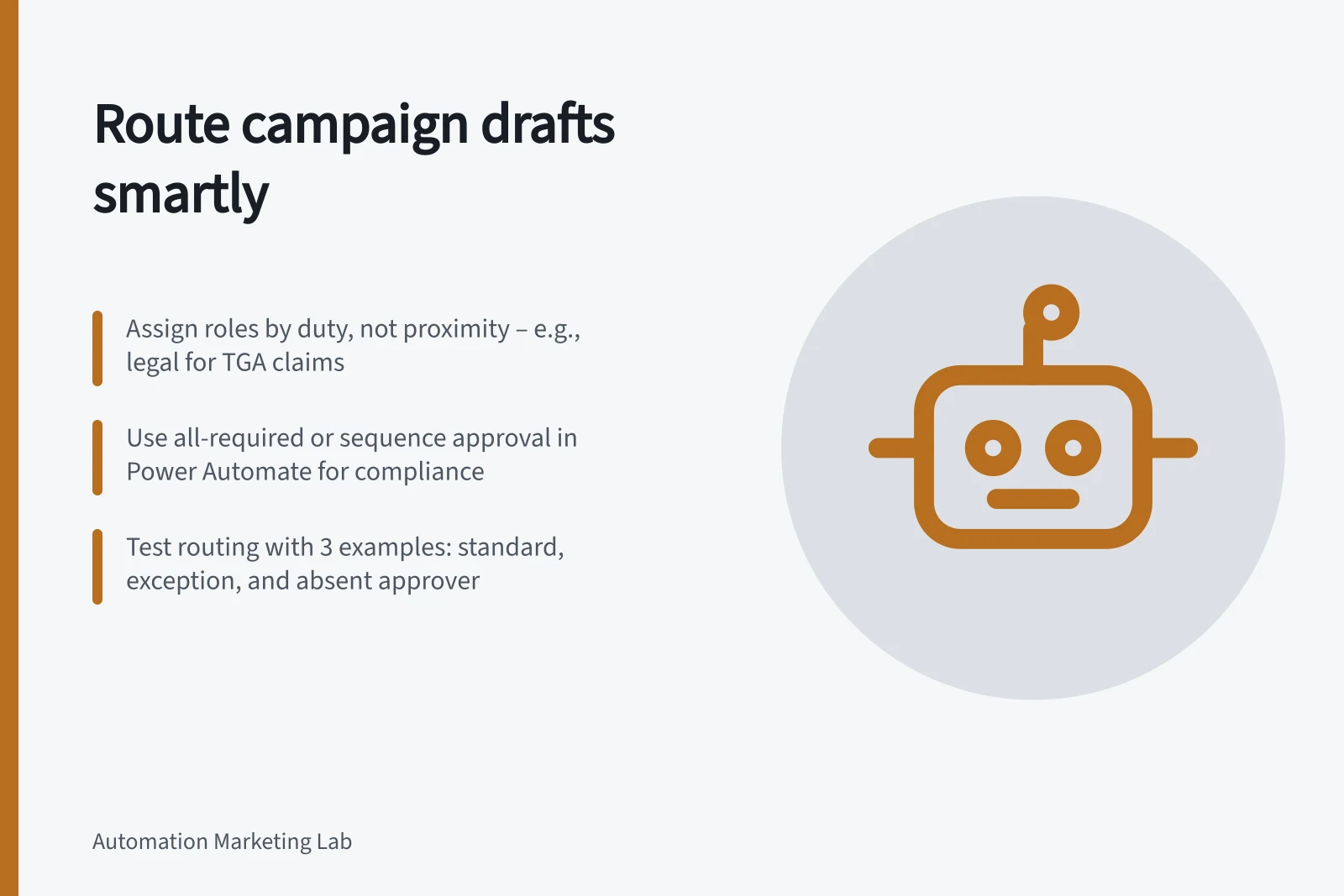
List campaign types down one side and review duties across the other: product claims, brand presentation, offer terms, customer data and final launch. Assign a named role to every required duty, such as a content owner, brand manager, legal or compliance reviewer, sender and final approver.
For example, route a routine educational email to the content owner for copy and the sender for the send decision. Route a campaign with a new regulated or technical claim to a legal or compliance reviewer, then to the final approver; send brand presentation to the brand manager. These are planning examples, not universal approval requirements.
For Australian campaigns, match the check to the relevant duty: TGA advertising rules relate to therapeutic goods, AHPRA advertising requirements apply to registered health practitioners, and ACCC scrutiny may apply to false or misleading claims under Australian Consumer Law. Route customer-data use to a compliance reviewer with OAIC privacy obligations in mind.
For a pricing promotion, route the offer terms to legal or compliance and the final launch decision to the final approver. If one person covers more than one duty, the record should still show which duties they accepted.
Decide whether one person can satisfy more than one duty. If so, the record should still show which duties they accepted.
For every role, define a delegate and an escalation destination. Select a user associated with the role as delegate; if that person is unavailable, send the request to the final approver, and do not schedule the campaign until the required duty is accepted.
Routing a Campaign Draft in Australia: Key Steps
- Identify campaign type and required dutiesExamples: product claims, brand presentation, offer terms, customer data use.
- Assign roles based on Australian regulationsTGA rules for therapeutic goods, AHPRA for health practitioners, ACCC for misleading claims, OAIC for privacy.
- Define delegates and escalation pathsIf primary approver is unavailable, escalate to final approver; do not schedule until all duties are accepted.
- Choose approval patternSelect first-to-respond, all-required, or sequence based on duty independence and regulatory needs.
- Test routing with real-world scenariosTest ordinary, exception, and absent approver cases to ensure correct routing and blocking of unapproved drafts.
Choose the approval pattern deliberately
Use first-to-respond only when any one assigned person is authorised to make the whole decision. Use all-required approval when each named person must agree. Use a sequence when one review must finish before the next begins, such as claim verification before final copy approval. In Power Automate, Start and wait for an approval can wait for approvers’ responses before the flow continues.
For a route build, Microsoft Lists can trigger an approval when a new draft item is added. In Power Automate, assign the request to the relevant role or user and choose the approval type that matches the rule: everyone must approve for independent duties, or first to respond for a shared duty.
Avoid routing a draft to a broad group unless group membership and the meaning of one member’s response are clear. In Microsoft 365 group approvals, one member’s response can represent the group, which may suit a shared duty but does not replace two independent specialist sign-offs.
If using Campaign Manager, configure Settings → Approval Settings and choose multi-level or group-level approval. Select the channel, creator role and first-level approver role and user; add another approver when needed, and set scheduling rights so the final approver can schedule the campaign.
Approvers can act on Power Automate requests through the Approvals app in Microsoft Teams. Test that the selected people can access and respond to the request before relying on that route.
Approval Patterns in Power Automate for Australian Campaigns
- First-to-respondUse when any one assigned person can make the full decision (e.g., routine email approval).
- All-required approvalUse when each named reviewer must agree independently (e.g., legal and compliance sign-off on regulated claims).
- Sequence-based approvalUse when reviews must happen in order (e.g., TGA-compliant claim review before final copy approval).
Send enough context to decide
The request should name the campaign, draft version, channel, audience, timing, relevant claims and exact preview. Link to the controlled draft in the working system, and ensure the reviewer can access it. Ask for a decision with comments when rejecting. If the audience or creative changes materially, start a new request for the affected duty.
Test the routing table with three examples: an ordinary campaign, one with an exception, and one whose primary approver is away. Confirm that each reaches the intended human and that a missing or unresolved route blocks launch.
Australian Campaign Approval Checklist
- Name the campaign, draft version, channel, audience, timingEnsure clarity for reviewers.
- Include relevant claims and exact previewSupport informed decisions, especially under ACCC or TGA rules.
- Link to controlled draft in working systemEnsure reviewer has access to the latest version.
- Request decision with comments if rejectedPrevent ambiguous feedback and rework.
- Start new request for material changesE.g., audience shift or creative change requires fresh approval.