Lead Routing
Part of Building automated lead routing
Handling leads with missing routing information
Give leads with blank or conflicting routing data a visible review path, then assign them after the missing information is resolved.
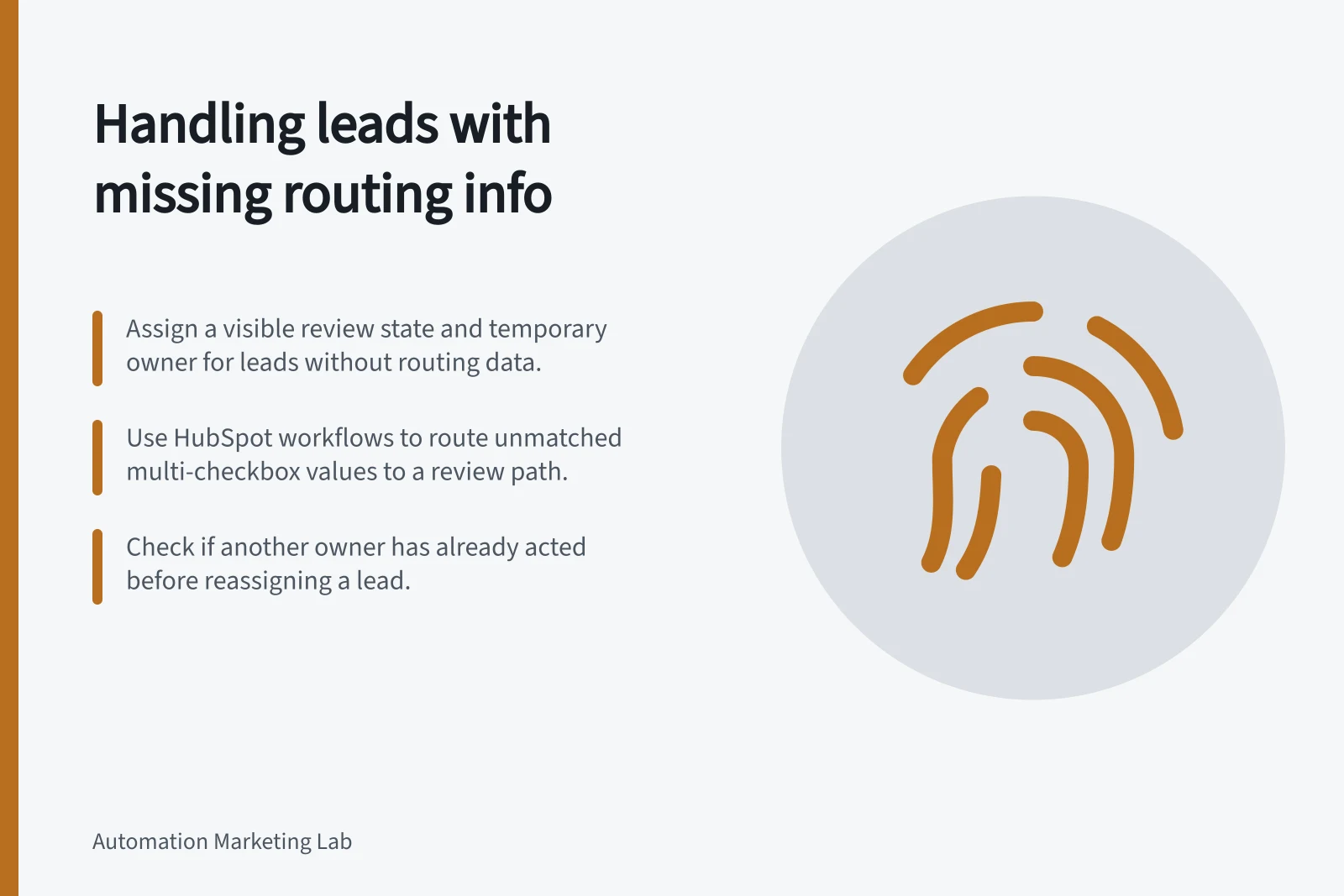
When a lead lacks routing information, give it a visible review state and an accountable temporary destination. Collect or verify the missing value, then route with the resolved information. A blank field must not silently fall through to an unintended owner.
Identify what is missing
List only the fields required for the assignment decision. A product specialist route might need declared product interest; a location route might need a service location. An unrelated blank profile field should not delay an enquiry.
Condition / Response to define
- Required value is blank
- Request the value or send the lead for review.
- Value is present but unrecognised
- Check the form option, mapping and routing rules.
- Values conflict
- Preserve their sources and ask an owner to decide.
- Value arrives later
- Re-evaluate only if the lead still needs assignment.
These are handling decisions, not statuses every platform supplies. Record the reason, the field and when the lead first needed attention. Do not guess an interest from unrelated activity just to clear a review queue.
Give the lead a temporary home
Choose a named reviewer or monitored queue for unresolved leads. Specify a backup and the latest useful decision time. Make ‘awaiting routing review’ distinguishable from a confirmed sales assignment, even if both records have an owner field populated.
A routing rule can target a user or queue. Inspect any default owner used when a rule does not select an owner; a default owner does not show that the intended sales route was chosen.
In HubSpot, for a Value equals branch based on a multi-checkbox property, a record with more than one value follows the ‘None met’ path because it is not an exact match. If that path has no action, the workflow can end without a review hand-off. Add a review action where unmatched values need attention.
A branch evaluates the values present when the record reaches it. A later update does not automatically move the record to a different path.
Resolve the case without a stale hand-off
Give the reviewer the lead reference, missing or conflicting values, their sources, enquiry time and any existing owner. The reviewer can confirm a value and route the lead, request clarification, retain the current owner or close the case as outside the routing policy. Record the decision.
Before a delayed assignment, check whether someone has already taken ownership and whether the enquiry still needs action. If another path has handled it, close the review case instead of overwriting the owner. A correction to the source form or mapping may also affect other waiting leads.
If the person who enquired must supply the missing value, use the organisation’s appropriate contact process. A missing field does not itself establish permission for unrelated marketing.
Check the recovery path
Use controlled examples for a blank value, an unexpected value, a conflict and a value supplied after the first evaluation. For each, verify the temporary destination, decision owner and eventual owner.
HubSpot’s workflow test checks whether a record will enrol and simulates how it goes through a workflow. A real recovery check requires inspection of the review destination and resulting owner.