Error Handling
Part of Marketing workflow version control
Rolling back an automation after a faulty update
Contain a faulty workflow update, restore the right configuration and account for records affected before restarting.
Recover from a faulty update by containing the affected action, restoring the right configuration and accounting for records affected in between. Reverting a workflow definition cannot unsend a message or reverse every connected-system update.
Contain the fault and mark the interval
Record the faulty release, activation time, first known bad outcome and last known correct outcome. Identify what must stop: new enrolment, a scheduled message, an external update or a particular branch. Include related workflows and retry paths when they could perform the same action.
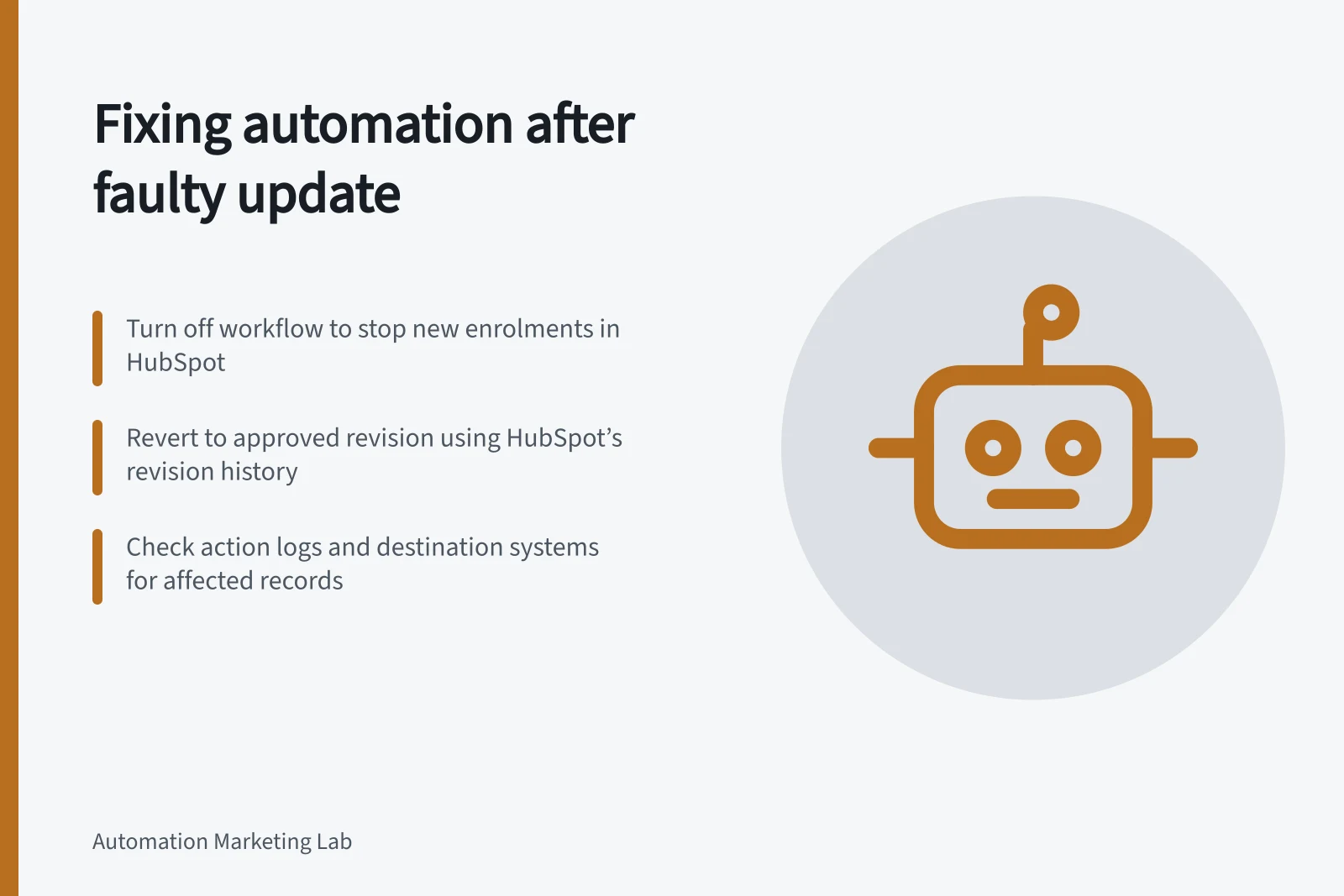
Check how the chosen platform’s stop control behaves. In HubSpot, turning a workflow off prevents new enrolments, but already enrolled records remain enrolled. Actions other than delays will not execute while the workflow is off; delays are not skipped.
Turning the workflow off does not pause enrolled records at a specific step. Record waiting work before choosing a restart time.
HubSpot Workflow States During and After Deactivation
- Action
- Workflow is active
- New enrolments
- Allowed
- Already enrolled records
- Continue running through workflow
- Actions (non-delay)
- Do not execute while off
- Delays
- Not skipped; resume when workflow reactivated
Choose what to restore
Compare the faulty version with the last approved release. Check entry rules, actions, timing, suppression settings and dependencies such as an email or segment. Reverting to an older revision could also remove a legitimate intervening change.
If the fault is limited to one condition, a controlled correction may be more appropriate than reverting the whole definition; document the repair either way.
HubSpot permits eligible users to view and revert a selected workflow revision. If the workflow is on, the reverted version begins executing automatically. A revision containing a webhook or custom code action cannot be reverted through that control; its read-only view can guide a manual repair. Confirm the chosen revision and permissions before acting.
Reconcile affected records
List records that entered or reached the affected step during the fault interval. For each, note the last confirmed action, any uncertain outcome, current eligibility and next authorised step.
Record state / Recovery decision
- No consequential action occurred
- Decide whether current rules still call for one.
- Wrong action confirmed
- Record the effect and assign a correction or response.
- Outcome uncertain
- Inspect the destination before repeating the action.
- Action skipped while off
- Decide whether it remains useful and permitted.
- Still waiting or scheduled
- Check its next execution time against the restored rule.
These are recommended recovery categories, not platform statuses. HubSpot’s revision history shows changes made to the workflow, while action logs show past workflow events and action results, subject to their history limits.
Inspect the destination as well when another system was involved. A workflow log alone cannot prove a recipient received a message or that an external record remains correct.
Key Recovery Metrics to Track
- Records in fault interval
- To be determined by audit
- Actions confirmed as incorrect
- To be logged via action logs
- Uncertain outcomes requiring inspection
- To be assessed per record
- External system checks required
- Depends on integration scope
Restart from a known state
Before reactivation, compare the restored configuration with the approved release and review scheduled actions. Decide which records need manual repair, a controlled new run or no further action.
In HubSpot, actions apart from delays will not execute while the workflow is off. Review affected records’ paths and action logs before deciding how to handle them. Avoid replaying a whole journey to recover one unfinished action.
Assign an owner to inspect the first new enrolments and outcomes. Close the incident when the configuration is correct, affected records have recorded decisions and any remaining uncertainty has an owner. Preserve both the faulty release and its repair in the incident record.