Automation Builds
Part of Marketing workflow version control
Naming automations so a new operator can find them
Use stable IDs, searchable names and useful descriptions to help new operators identify the right live automation.
Name an automation for the job it performs and give it a stable identifier. A new operator should find the live workflow from a campaign brief or incident report without knowing who built it or which folder holds it.
Put searchable facts in the name
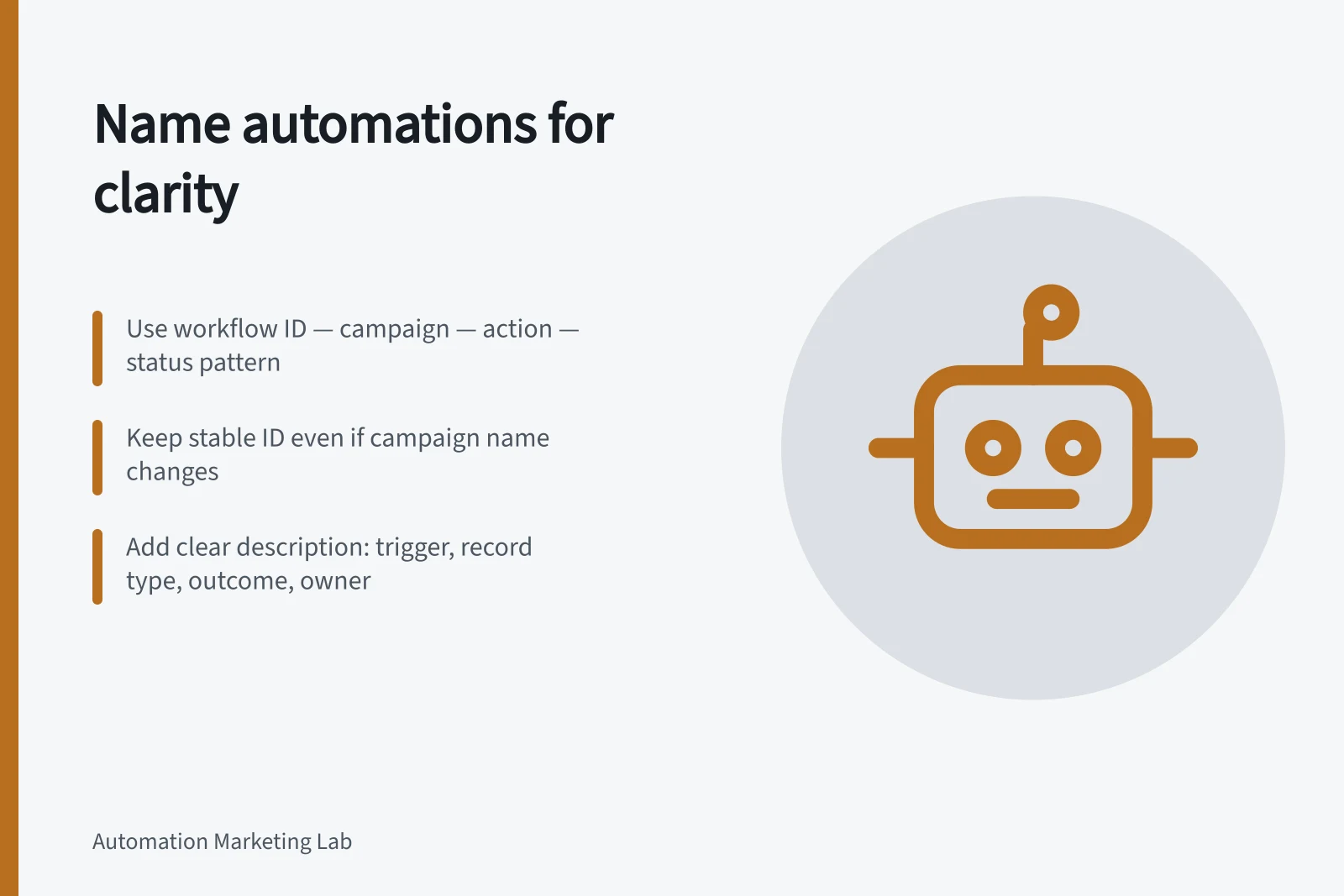
Follow a consistent order, for example workflow ID — process or campaign — main action — status; the exact pattern is a team decision. Use terms someone outside the build team would search for. Names like “New workflow”, “Final v2” or a staff member’s initials offer too little help.
For a hypothetical team, MW-042 — Spring enquiry — assign sales owner — Live is easier to identify than Lead flow FINAL. If the campaign name changes, retain MW-042 in the new name and in the change record, so older approvals and incident notes still point to the same automation.
Put a version number in the displayed name only if operators use it to distinguish copies. Keep the authoritative release version in the change register. A title number becomes misleading when the workflow is edited without being renamed.
Describe its purpose
Keep a short description for the workflow: what starts it, which record it acts on, its main outcome, its owner and where exceptions go. An illustrative description is: “Starts on the approved enquiry form; assigns an eligible contact to the sales owner; unmatched records go to routing review. Owner: Marketing Operations.” Use the actual rule and owner in a real account.
Keep detailed revisions in the change log.
HubSpot workflow search matches names and descriptions; its view also offers filters for whether workflows are turned on or off, the workflow object type, and brands where available. Those features aid discovery but do not explain an unclear workflow name. Access to a workflow can also be affected by permissions and restricted properties.
Key facts about HubSpot workflow discovery
- HubSpot search matches
- Names and descriptions
- Available filters
- On/off status, object type, brand (if applicable)
- Permissions impact access
- Even well-named workflows may be inaccessible without proper permissions
Distinguish copies from live work
Give a clone its own identity and purpose before editing it. Record which live workflow it came from and whether the copy is a proposed revision or a test copy. Avoid two active workflows with nearly identical names when both could act on the same records.
HubSpot asks for a new workflow name when cloning. A clone is a starting point for another workflow; its name alone does not establish that its triggers, actions or dependencies are safe to use. Review those settings before activation.
Check that a newcomer can retrieve it
Give a colleague the campaign ID, expected action and an exception record. Ask them to find the live automation, owner and latest release note. If several candidates look plausible, improve the names or descriptions. Search an old ID too, to check that history still leads to the current workflow.
Review the name when a campaign ends or a workflow changes purpose. Retain the stable ID needed to interpret older records.